

Crypto investors often run into one major problem at tax time.
Hundreds or even thousands of transactions spread across exchanges, wallets, DeFi protocols, and NFT marketplaces. Sorting through all that data manually is almost impossible.
Professional traders, DeFi users, and long-term investors rely on crypto tax software to calculate capital gains, classify transactions, and generate tax reports that can be submitted to accountants or tax authorities.
Industry research shows the global cryptocurrency market now includes more than 420 million users worldwide, which means tax compliance has become a serious operational issue for investors. At the same time, most tax authorities treat crypto as a taxable asset, meaning every trade, swap, or staking reward may trigger a tax event.
To make this process manageable, we analysed dozens of platforms and narrowed them down to the 20 best crypto tax tools for investors in 2026.
This guide is written for:
- Individual crypto investors
- Active traders
- DeFi users and NFT collectors
- Crypto accountants and financial advisors
If you want accurate reports without hours of spreadsheet work, these crypto tax tools deserve attention.
What Are Crypto Tax Tools?
Crypto tax tools are software platforms that import transaction data from exchanges, wallets, and blockchain networks and convert that data into tax reports.
Instead of manually tracking every transaction, these tools automatically:
- Import trades from exchanges and wallets
- Calculate capital gains and losses
- Track staking and mining income
- Categorise DeFi transactions
- Generate tax reports compatible with accountants or filing software
Most crypto tax tools integrate with hundreds of exchanges and wallets using APIs or CSV uploads. Some platforms support more than 800 integrations across the crypto ecosystem, which allows investors to track complex portfolios automatically.
Why Crypto Investors Use Them
Crypto investors rely on crypto tax tools for several operational reasons:
- Automated tax calculations
Software calculates capital gains using recognised accounting methods such as FIFO or LIFO. - DeFi and NFT transaction tracking
DeFi activity often produces complex tax events that spreadsheets struggle to track. - Audit reports
Detailed reports provide a clear transaction trail in case of regulatory reviews. - Multi-exchange portfolio tracking
Some platforms track portfolios across hundreds of exchanges and wallets. - Accountant-ready reports
Tools export tax forms compatible with accounting software.
Without crypto tax tools, investors would need to manually reconcile thousands of blockchain transactions.
Quick Comparison Table of the Best Crypto Tax Tools
When selecting crypto tax tools, investors usually compare platforms based on:
- Exchange and wallet integrations
- Pricing tiers
- DeFi and NFT support
- Ease of use
- Compatibility with tax software
These factors determine whether a tool works for beginners, professional traders, or high-volume investors.
| Tool | Best For | Starting Price | Free Plan | Key Feature | Rating |
| CoinTracker | Portfolio + taxes | Free | Yes | Real-time tracking | 4.6 |
| Koinly | Global users | $49 | Yes | 100+ country reports | 4.8 |
| TokenTax | High-volume traders | $65 | No | CPA support | 4.5 |
| CoinLedger | Beginners | $49 | Yes | Simple interface | 4.8 |
| ZenLedger | US compliance | $49 | Yes | Audit trail | 4.4 |
| CryptoTaxCalculator | DeFi users | $49 | Yes | Smart contract detection | 4.8 |
| Coinpanda | Portfolio tracking | $49 | Yes | 800 integrations | 4.2 |
| Blockpit | EU investors | $49 | Yes | Tax authority compliance | 4.6 |
| CoinTracking | Analytics users | $10/mo | Yes | Advanced reports | 4.3 |
| TaxBit | Exchange users | Free | Yes | TaxBit network | 4.5 |
| Bitwave | Businesses | Custom | No | ERP integrations | 4.7 |
| Accointing | Mobile investors | Free | Yes | Portfolio app | 4.4 |
| BearTax | DeFi traders | $50 | No | Automated categorisation | |
| Ledgible | Institutions | Custom | No | Accounting integration | |
| Recap | UK investors | £99 | Yes | HMRC reports | |
| Atani | Free users | Free | Yes | Portfolio manager | |
| Bitcoin.Tax | Early adopter tool | $54 | Yes | Basic tax reports | |
| HODL Totals | Spreadsheet users | Free | Yes | Google Sheets add-on | |
| BittyTax | Open source | Free | Yes | Command-line reporting | |
| RP2 | Developers | Free | Yes | Privacy-focused |
CoinTracker

CoinTracker is one of the most widely used crypto tax tools for investors who want both portfolio tracking and automated tax reporting in the same platform. The software connects to exchanges, wallets, and blockchains to import transactions automatically.
More than 1 million crypto investors use CoinTracker to track holdings and prepare tax reports. When reading a typical CoinTracker review, many users highlight its simple dashboard and large number of integrations.
It is commonly compared in searches such as CoinTracker vs Koinly or CoinTracker alternatives, especially by investors managing activity across several exchanges.
CoinTracker is designed for:
- Individual investors
- Active traders
- DeFi users with multiple wallets
The platform connects with 300+ exchanges and wallets, importing transactions automatically so capital gains can be calculated without manual spreadsheets.
Its tax reports are compatible with accounting software and tax filing tools, making it easier to share records with accountants.
Key Features
Automatic Exchange and Wallet Integrations
One of the strongest parts of the CoinTracker platform is its automatic integrations with hundreds of exchanges and wallets.
Users can connect accounts through API keys or upload CSV files. Once connected, CoinTracker imports trading history and wallet transfers automatically. This allows investors to track every transaction across multiple platforms while keeping tax records organised.
Many CoinTracker review articles point out that these integrations reduce hours of manual reconciliation.
Capital Gains and Loss Calculations
CoinTracker calculates capital gains and losses using recognised accounting methods such as FIFO, LIFO, and HIFO.
This feature matters because every trade, swap, or sale may create a taxable event. CoinTracker processes those events and calculates gains or losses based on historical price data.
For investors comparing CoinTracker vs Koinly, tax calculation accuracy is often one of the main factors discussed.
Real Time Portfolio Tracking
CoinTracker also acts as a portfolio tracker.
The dashboard shows:
- Total portfolio value
- Asset allocation
- Unrealised gains and losses
- Historical portfolio performance
This allows investors to monitor holdings across exchanges and wallets without logging into several platforms.
Many investors who research CoinTracker alternatives still keep the tool for its portfolio tracking interface.
DeFi and NFT Transaction Support
Modern crypto portfolios often include DeFi activity and NFTs.
CoinTracker attempts to classify:
- Liquidity pool deposits
- Staking rewards
- NFT purchases and sales
- Token swaps
These activities are converted into tax records that can be included in reports. This makes the platform useful for investors involved in decentralised finance.
Accountant Ready Tax Reports
Once transaction data is processed, CoinTracker generates tax reports that accountants can use directly.
These reports may include:
- Capital gains summaries
- Income from staking or mining
- Transaction history reports
- Portfolio performance data
Many accountants request these exports because they simplify the process of preparing final tax filings.
Pros and Cons
| Pros | Cons |
| Easy to use dashboard | Limited free tier |
| Many exchange integrations | DeFi classification not perfect |
| Portfolio tracking included | Advanced traders may need higher plan |
| Accountant ready reports | Some integrations require API setup |
Pricing
CoinTracker pricing is based on the number of transactions.
Typical plans include:
| Plan | Price | Transactions |
| Free | £0 | Limited |
| Base | ~£49 yearly | 100 transactions |
| Prime | ~£199 yearly | Higher volume |
| Custom | Variable | Large portfolios |
Investors often compare CoinTracker pricing vs Koinly pricing when choosing between the two platforms.
Best for Individual Crypto Investors Managing Multiple Wallets
CoinTracker works well for investors who trade across several exchanges and wallets but want one dashboard to track everything.
Best fit users
- Long term investors — portfolio tracking and tax reports in one platform
- Active traders — automatic imports from exchanges reduce manual work
- DeFi users — transactions classified for tax reporting
- Accountants — exportable tax reports simplify client reporting
Verdict
CoinTracker is a solid starting point for investors who want a simple interface and strong exchange integrations.
Practical Tip for Using CoinTracker
A useful approach is connecting all exchanges through API keys instead of CSV uploads.
API connections allow CoinTracker to automatically import new transactions throughout the year. This keeps records updated and reduces work when tax season arrives.Many investors using CoinTracker only update their accounts monthly rather than waiting until the end of the year.
Best Alternate Tool
The closest competitor to CoinTracker is Koinly, which offers broader country tax support and more advanced DeFi classification.
Koinly

Koinly is one of the most recognised crypto tax tools for investors who trade across multiple exchanges and jurisdictions. The platform focuses heavily on accurate tax reporting for international users, which is why it appears frequently in comparisons such as Koinly vs CoinTracker and Koinly alternatives.
More than 700,000 investors and accountants use Koinly to calculate crypto taxes. A typical Koinly review highlights its broad exchange support and tax reports designed for multiple countries.
Koinly is a crypto tax platform designed to import transaction data from exchanges, wallets, and blockchain networks, then convert that data into tax reports.
The software supports 800+ integrations, including major exchanges and wallets. Once accounts are connected, the platform automatically imports transaction history and calculates gains and losses.
Koinly is widely used by:
- Individual crypto investors
- High-volume traders
- DeFi users
- Crypto accountants
Many investors researching Koinly pricing or Koinly alternatives are typically comparing it against CoinTracker, TokenTax, or CryptoTaxCalculator.
Key Features
Large Exchange and Wallet Integration Library
Koinly connects to a large number of exchanges and wallets across the crypto ecosystem.
Users can import data through:
- API connections
- CSV uploads
- Blockchain wallet addresses
Once data is imported, Koinly automatically detects transactions such as trades, transfers, staking rewards, and token swaps.Many Koinly review articles mention that its large integration library makes it easier to track activity across multiple platforms.
Automatic Capital Gains Calculations
Koinly automatically calculates gains and losses based on historical price data.
The platform supports several accounting methods including:
- FIFO
- LIFO
- Average cost
This allows investors to generate accurate tax reports without manually calculating gains for each trade.
When investors compare Koinly vs CoinTracker, the capital gains calculation engine is often one of the most important points.
DeFi, NFT and Margin Trading Support
Many crypto portfolios include activities beyond simple spot trading.
Koinly attempts to categorise transactions such as:
- Liquidity pool deposits
- NFT purchases and sales
- Lending and borrowing activity
- Margin trades
These activities can create complicated tax events. Koinly converts those transactions into structured tax records that appear in reports.
For DeFi users researching Koinly alternatives, this feature often becomes a deciding factor.
Country Specific Tax Reports
Koinly supports tax reporting rules for more than 100 countries.The platform produces reports compatible with accounting and filing software used by accountants around the world.
These reports typically include:
- Capital gains summary
- Income from staking or mining
- Transaction logs
- End-of-year portfolio value
Because of this global support, many international investors choose Koinly over other crypto tax tools.
Portfolio Tracking Dashboard
Although Koinly focuses primarily on tax reporting, the platform also provides a portfolio tracking dashboard.
The interface shows:
- Portfolio value
- Profit and loss
- Asset allocation
- Transaction history
This allows investors to monitor their holdings while also preparing tax records.
Pros and Cons
| Pros | Cons |
| 800+ integrations | Pricing rises with transactions |
| International tax reports | Free plan limited |
| DeFi and NFT support | Some manual tagging required |
| Clear dashboard | Advanced analytics limited |
Pricing
Koinly pricing depends on the number of transactions imported each tax year.
Typical pricing tiers include:
| Plan | Price | Transactions |
| Free | £0 | Basic tracking |
| Newbie | ~£49 yearly | 100 transactions |
| Hodler | ~£99 yearly | 1,000 transactions |
| Trader | ~£179 yearly | 3,000 transactions |
| Custom | Variable | High volume |
Investors frequently compare Koinly pricing vs CoinTracker pricing before choosing a platform.
Ideal for Global Crypto Investors Using Multiple Exchanges
Koinly is well suited to investors who trade across several exchanges and require tax reports compatible with different tax systems.
Best fit users
- International investors — tax reports support many jurisdictions
- DeFi users — categorisation for staking, lending, and liquidity pools
- Active traders — large integration library tracks many exchanges
- Accountants — detailed transaction reports for clients
Verdict
Koinly stands out among crypto tax tools due to its global reporting capabilities and large exchange integration library.
Practical Tip for Using Koinly
Many investors overlook Koinly’s transaction tagging system.Tagging transactions correctly can improve tax classification, particularly for:
- Airdrops
- Gifts
- Lost coins
- Personal transfers
Using tags throughout the year makes tax reports easier to finalise later.
Best Alternate Tool
A strong alternative to Koinly is TokenTax, which focuses more on high-volume traders and includes optional CPA support.
TokenTax
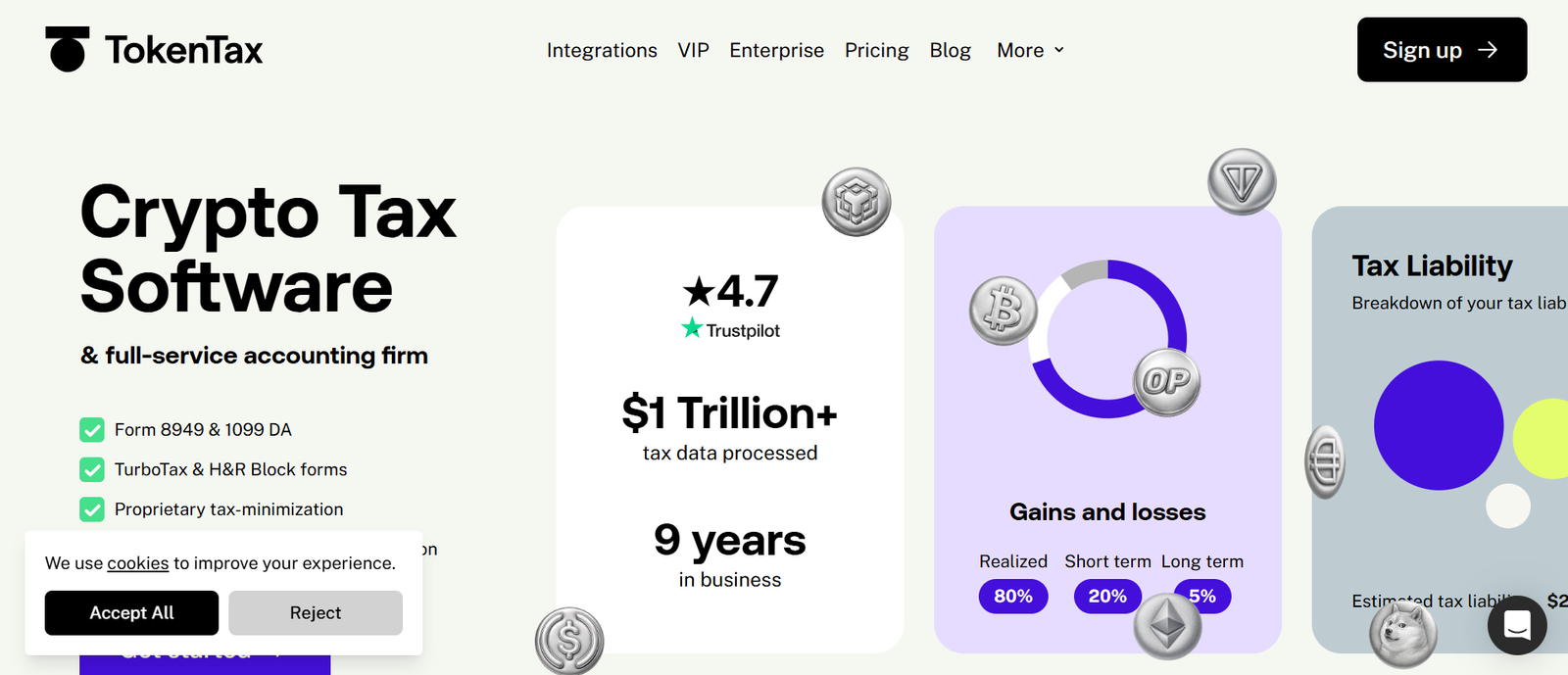
TokenTax is one of the most advanced crypto tax tools designed for investors with large trading volumes, complex DeFi activity, and multiple exchange accounts. The platform is widely known for combining tax software with optional professional tax support from accountants.
Many investors researching TokenTax review, TokenTax pricing, or TokenTax alternatives are typically traders who process thousands of transactions each year.
TokenTax is a crypto tax platform that imports transaction data from exchanges and wallets, calculates gains and losses, and produces tax reports for accountants and tax filings.
The platform integrates with many major exchanges and also supports:
- DeFi activity
- Margin trading
- Futures trading
- NFT transactions
TokenTax is commonly used by:
- High-frequency crypto traders
- DeFi users
- Crypto hedge funds
- Accountants managing crypto clients
Investors comparing TokenTax vs Koinly or TokenTax vs CoinTracker often focus on the platform’s support for complex trading activity.
Key Features
High Volume Transaction Processing
TokenTax is designed to process extremely large transaction volumes.
Many active traders generate thousands or even tens of thousands of transactions each year. TokenTax processes this data and calculates gains automatically.
This makes the platform particularly useful for traders who frequently move funds between exchanges or execute automated trading strategies.In many TokenTax review discussions, this capability is often highlighted as a major advantage over simpler crypto tax tools.
DeFi and NFT Transaction Classification
DeFi transactions can involve complicated interactions with smart contracts.
TokenTax attempts to categorise activities such as:
- Liquidity pool deposits
- Yield farming rewards
- Token swaps
- NFT purchases and sales
These transactions are converted into structured tax entries so they can be included in reports.
Investors searching for TokenTax alternatives often do so because their portfolio contains a large amount of DeFi activity.
CPA and Tax Filing Support
One unique feature of TokenTax is access to professional tax assistance.
Depending on the plan selected, users may receive:
- CPA consultation
- Full tax filing services
- Assistance responding to tax authority enquiries
This makes TokenTax different from many other crypto tax tools that only provide reports.
For high-income traders, this feature can simplify tax reporting considerably.
Margin and Futures Trading Support
TokenTax supports advanced trading activity including:
- Margin trading
- Futures contracts
- Derivatives transactions
These trading types can create complicated tax calculations. TokenTax processes them using historical pricing data and recognised accounting methods.
Traders who compare TokenTax vs CoinTracker often select TokenTax because of this advanced trading support.
Tax Loss Harvesting Reports
TokenTax also provides reports showing potential tax loss harvesting opportunities.
These reports allow investors to review:
- Unrealised losses
- Transaction timing opportunities
- Portfolio adjustments that may reduce taxable gains
This feature is particularly useful for traders managing large portfolios.
Pros and Cons
| Pros | Cons |
| Handles high transaction volume | Higher pricing tiers |
| CPA support available | No permanent free plan |
| DeFi and NFT classification | Interface slightly technical |
| Advanced trading support | Designed mainly for active traders |
Pricing
TokenTax pricing varies depending on the number of transactions and level of support required.
Typical plans include:
| Plan | Price | Features |
| Basic | ~£65 yearly | Standard reports |
| Premium | ~£199 yearly | Advanced integrations |
| Pro | ~£799 yearly | DeFi support |
| VIP | Custom | CPA services |
Investors comparing TokenTax pricing vs Koinly pricing often consider the transaction volume their portfolio generates.
Best for High Volume Crypto Traders and Professional Investors
TokenTax works best for investors who execute a large number of trades each year or participate heavily in DeFi markets.
Best fit users
- High-frequency traders — processes thousands of transactions
- DeFi users — complex smart contract activity supported
- Crypto hedge funds — reporting suitable for institutional portfolios
- Investors needing tax filing support — CPA services available
Verdict
TokenTax is one of the strongest crypto tax tools for advanced traders and investors with complex portfolios.
Practical Tip for Using TokenTax
Many traders overlook TokenTax’s manual transaction adjustment tools.
These tools allow users to correct imported transaction data or reclassify events that may have been incorrectly labelled.Regularly reviewing imported transactions can prevent errors appearing in final tax reports.
Best Alternate Tool
A strong alternative to TokenTax is CoinLedger, which focuses on simplicity and is widely used by beginners entering the crypto market.
CoinLedger

CoinLedger is a crypto tax platform designed for investors who want a simple way to calculate crypto taxes without complex setup. The platform focuses on ease of use, making it popular with beginners entering the crypto market.
Many investors searching for CoinLedger review, CoinLedger pricing, or CoinLedger alternatives are typically users who want clear tax reports without advanced configuration.
CoinLedger imports crypto transactions from exchanges and wallets, calculates gains and losses, and creates tax reports that can be submitted to accountants or tax filing software.
The platform integrates with many popular exchanges and supports activities such as:
- Spot trading
- NFT transactions
- DeFi activity
- Staking rewards
CoinLedger is commonly used by:
- Beginner crypto investors
- Moderate trading portfolios
- NFT collectors
- Investors filing taxes through standard tax software
People comparing CoinLedger vs Koinly or CoinLedger vs CoinTracker often evaluate the platform based on simplicity and pricing.
Key Features
Simple Exchange Import System
CoinLedger allows users to import transactions from exchanges through API connections or CSV uploads.Once accounts are connected, the platform gathers transaction data and automatically organises it for tax reporting.
The goal is to reduce the time spent manually reviewing trade history. Many CoinLedger review articles highlight the platform’s simple import process as one of its main advantages.
Automated Capital Gains Calculations
CoinLedger calculates capital gains and losses based on historical price data.
The system processes transactions and determines gains using recognised accounting methods. These calculations appear in the user’s tax summary.
For investors comparing CoinLedger vs CoinTracker, automated capital gains calculations are one of the key capabilities both platforms share.
NFT and DeFi Transaction Support
Crypto investors increasingly interact with decentralised finance and NFT marketplaces.
CoinLedger attempts to classify transactions such as:
- NFT purchases and sales
- Token swaps
- Liquidity pool activity
- Staking rewards
These activities are converted into tax entries so they appear correctly in reports.
Investors researching CoinLedger alternatives often compare this feature with platforms focused on advanced DeFi tracking.
Tax Report Export for Filing Software
After processing transaction data, CoinLedger generates tax reports compatible with common filing platforms.
Reports may include:
- Capital gains summaries
- Income reports from staking or mining
- Transaction history logs
These reports can be shared directly with accountants or imported into tax filing software.
Loss and Gain Summary Dashboard
CoinLedger provides a dashboard that summarises an investor’s tax position.
The interface shows:
- Total gains and losses
- Taxable income from crypto
- Total transactions processed
This overview allows investors to estimate their tax obligations before finalising reports.
Pros and Cons
| Pros | Cons |
| Simple interface | Limited advanced analytics |
| Beginner friendly setup | DeFi classification not perfect |
| Works with tax filing software | Advanced traders may need other tools |
| NFT transactions supported | Fewer integrations than some competitors |
Pricing
CoinLedger pricing depends on the number of transactions processed.
Typical pricing tiers include:
| Plan | Price | Transactions |
| Free | £0 | Portfolio tracking |
| Hobbyist | ~£49 yearly | 100 transactions |
| Day Trader | ~£99 yearly | 1,500 transactions |
| High Volume | ~£199 yearly | Larger portfolios |
Investors often compare CoinLedger pricing vs Koinly pricing when selecting a platform.
Best for Beginner Crypto Investors Filing Their First Tax Reports
CoinLedger works well for investors who want a clear process for calculating crypto taxes without technical configuration.
Best fit users
- Beginner investors — simple setup and dashboard
- NFT collectors — tracks marketplace activity
- Moderate traders — transaction limits suit medium portfolios
- Users of tax filing software — reports integrate easily
Verdict
CoinLedger is one of the easiest crypto tax tools for beginners who want clear tax reports without complicated configuration.
Practical Tip for Using CoinLedger
A useful approach when using CoinLedger is importing exchange data early in the tax year rather than waiting until filing season.
Uploading transaction history regularly allows the platform to classify transactions gradually and reduces work later when generating final tax reports.
Best Alternate Tool
A strong alternative to CoinLedger is ZenLedger, which provides more detailed audit reporting and is often used by investors who want additional transaction verification.
ZenLedger

ZenLedger is one of the established crypto tax tools used by investors who want detailed tax records and strong reporting features. The platform focuses heavily on clear audit trails and structured tax reports, which is why it is frequently discussed in searches such as ZenLedger review, ZenLedger pricing, and ZenLedger alternatives.
The platform has processed billions of dollars in crypto transactions and is widely used by both individual investors and tax professionals. Investors comparing ZenLedger vs CoinLedger or ZenLedger vs Koinly usually focus on reporting depth and transaction transparency.
ZenLedger imports crypto transactions from exchanges, wallets, and blockchain networks, then converts them into structured tax reports.
The platform supports a wide range of crypto activities including:
- Spot trading
- Staking income
- DeFi transactions
- NFT trades
ZenLedger is commonly used by:
- Individual crypto investors
- Active traders
- Crypto accountants
- Investors preparing audit documentation
Many people researching ZenLedger alternatives are comparing the platform with CoinTracker, Koinly, and CoinLedger.
Key Features
ZenLedger integrates with many crypto exchanges and wallets, allowing users to import transaction data automatically.
Users can connect accounts through API keys or upload CSV files. Once imported, the platform organises transaction history and prepares it for tax calculations.
Many ZenLedger review articles highlight that the integration system allows investors to gather trading activity from multiple platforms into a single report.
Automatic Capital Gains and Loss Calculations
ZenLedger calculates capital gains and losses using historical pricing data and recognised accounting methods.
The software processes transactions such as:
- Buy and sell trades
- Token swaps
- Transfers between wallets
These calculations appear in tax summaries that can be exported for accountants.
Investors researching ZenLedger vs CoinTracker often compare how each platform calculates gains from complex trading activity.
Detailed Audit Trail Reporting
One of the most important features of ZenLedger is its audit reporting.
The platform generates detailed transaction logs that allow accountants or tax authorities to trace the origin of every calculation.
Audit reports typically include:
- Transaction history
- Asset acquisition records
- Gain and loss breakdowns
For investors managing large portfolios, this type of documentation can be valuable during tax reviews.
DeFi and NFT Transaction Tracking
Modern crypto portfolios frequently involve DeFi protocols and NFT marketplaces.
ZenLedger attempts to classify activities such as:
- Liquidity pool deposits
- NFT purchases and sales
- Token swaps
- Staking rewards
These activities are converted into structured entries so they appear correctly in tax reports.
Investors comparing ZenLedger alternatives often consider how well each tool handles DeFi transactions.
Tax Filing Software Integration
ZenLedger produces reports that integrate with common tax filing platforms and accounting workflows.
Reports typically include:
- Capital gains summaries
- Income from staking and mining
- Transaction logs
- Portfolio summaries
This allows investors to share reports directly with accountants or import them into tax filing software.
Pros and Cons
| Pros | Cons |
| Detailed audit reporting | Interface slightly complex |
| Many exchange integrations | Pricing increases with transactions |
| DeFi and NFT tracking | Free tier limited |
| Accountant friendly reports | Some manual review required |
Pricing
ZenLedger pricing is based on the number of transactions imported.
Typical pricing tiers include:
| Plan | Price | Transactions |
| Free | £0 | Basic tracking |
| Starter | ~£49 yearly | 100 transactions |
| Premium | ~£149 yearly | 5,000 transactions |
| Executive | ~£399 yearly | Large portfolios |
Investors frequently compare ZenLedger pricing vs CoinLedger pricing when choosing a platform.
Best for Investors Who Want Audit Ready Crypto Tax Reports
ZenLedger is particularly useful for investors who want detailed transaction records and structured documentation for accountants.
Best fit users
- Active traders — detailed transaction history
- Investors preparing for audits — structured documentation
- Crypto accountants — clear reporting for client portfolios
- Multi exchange users — import data from several platforms
Verdict
ZenLedger stands out among crypto tax tools due to its strong audit reporting features and structured tax documentation.
Practical Tip for Using ZenLedger
A useful way to work with ZenLedger is reviewing transaction classifications before generating the final tax report.
Checking transactions such as transfers, staking rewards, and token swaps allows users to confirm that activities are categorised correctly before final calculations are produced.
Best Alternate Tool
A strong alternative to ZenLedger is CryptoTaxCalculator, which is widely used by DeFi traders and investors managing complex blockchain activity.
CryptoTaxCalculator
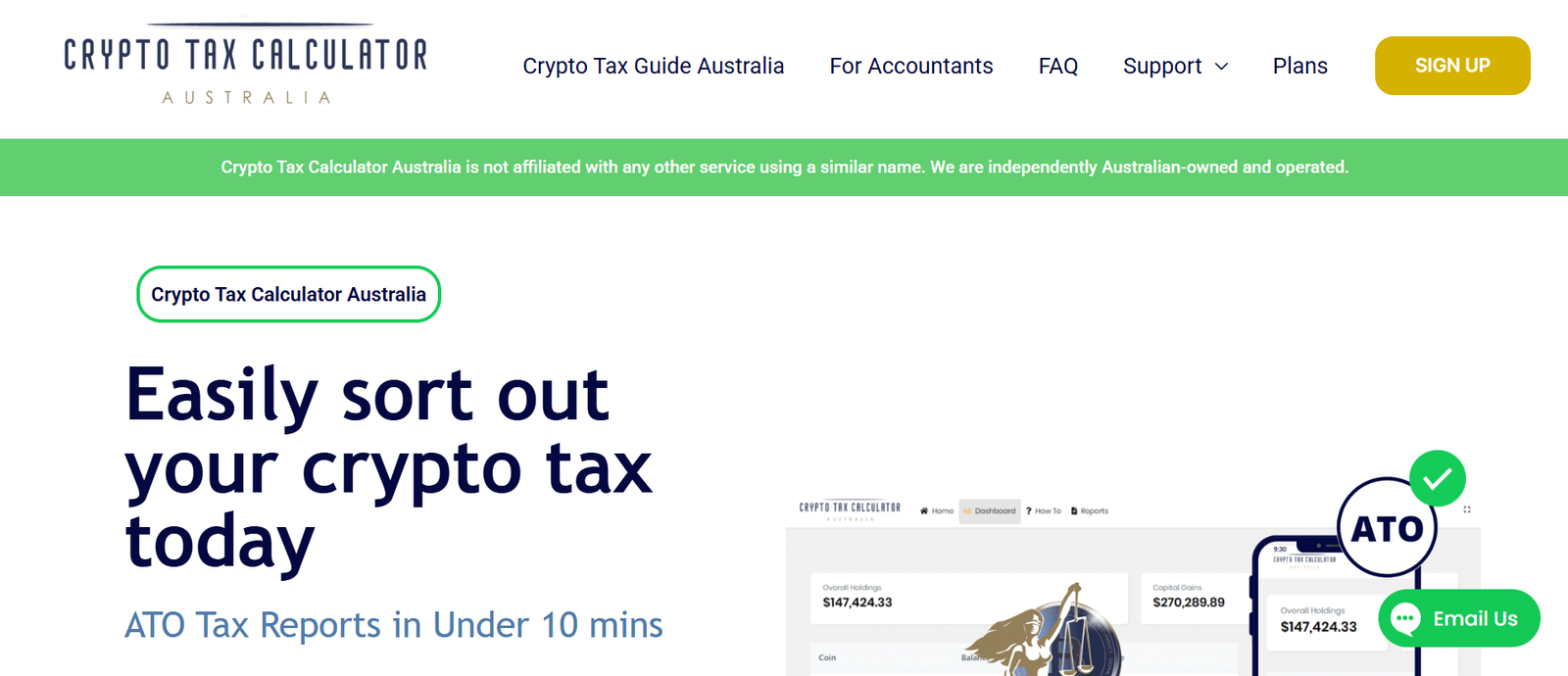
CryptoTaxCalculator is one of the most specialised crypto tax tools for investors involved in DeFi protocols, NFT trading, and multi-chain activity. The platform focuses on analysing complex blockchain transactions and converting them into clear tax reports.
Many investors searching for CryptoTaxCalculator review, CryptoTaxCalculator pricing, or CryptoTaxCalculator alternatives are typically active DeFi users who need deeper transaction analysis than basic tax software provides.
CryptoTaxCalculator imports crypto transactions from exchanges, wallets, and blockchain addresses. The system analyses those transactions and categorises them into tax events such as capital gains or income.
The platform supports activity including:
- Spot trading
- DeFi protocols
- NFT transactions
- Staking rewards
- Liquidity pools
CryptoTaxCalculator is commonly used by:
- DeFi traders
- NFT collectors
- Active crypto investors
- Accountants managing digital asset portfolios
Investors comparing CryptoTaxCalculator vs Koinly or CryptoTaxCalculator vs TokenTax usually evaluate the platform based on DeFi support and blockchain coverage.
Key Features
Smart Contract Transaction Detection
DeFi activity often interacts directly with smart contracts. These interactions can produce complicated transaction patterns.
CryptoTaxCalculator analyses blockchain data and attempts to detect smart contract activity such as:
- Liquidity pool deposits
- Token swaps
- Yield farming rewards
- Protocol interactions
The software then converts these activities into tax entries that appear in reports.
Many CryptoTaxCalculator review discussions highlight this capability as one of the platform’s strongest features.
Multi Chain Wallet Tracking
Crypto investors frequently hold assets across multiple blockchains.CryptoTaxCalculator allows users to track wallets from different networks within a single account. Transactions are imported directly from the blockchain using wallet addresses.
This allows investors to analyse activity across networks without manually combining transaction data.
Investors researching CryptoTaxCalculator alternatives often compare the number of supported blockchains.
Automated Capital Gains Calculations
The platform calculates capital gains and losses automatically based on transaction data and historical pricing.
Supported accounting methods include:
- FIFO
- LIFO
- Average cost
These calculations appear in tax summaries that can be exported for filing or accounting purposes.Investors comparing CryptoTaxCalculator vs CoinTracker often focus on how each platform calculates gains from complex transactions.
NFT Transaction Classification
NFT trading creates tax events when tokens are bought, sold, or exchanged.
CryptoTaxCalculator analyses NFT marketplace activity and converts those transactions into structured tax records.
The platform attempts to track:
- NFT purchases
- NFT sales
- Marketplace fees
- Token swaps involving NFTs
For NFT collectors researching CryptoTaxCalculator review, this feature often becomes an important factor.
Tax Report Export System
After processing transaction data, CryptoTaxCalculator generates structured reports that investors can submit to accountants or tax filing software.
Typical reports include:
- Capital gains summaries
- Income from staking or farming
- Detailed transaction history
- Portfolio value reports
These documents allow investors to organise tax records without manual calculations.
Pros and Cons
| Pros | Cons |
| Strong DeFi transaction detection | Interface slightly technical |
| Multi chain support | Pricing increases with transaction volume |
| NFT activity classification | Beginner setup may take time |
| Detailed tax reports | Limited free plan |
Pricing
CryptoTaxCalculator pricing is based on transaction volume.
Typical pricing tiers include:
| Plan | Price | Transactions |
| Rookie | ~£49 yearly | Small portfolios |
| Hobbyist | ~£99 yearly | Moderate activity |
| Investor | ~£189 yearly | Large portfolios |
| Professional | Custom | High volume traders |
Investors often compare CryptoTaxCalculator pricing vs Koinly pricing when choosing between crypto tax tools.
Best for DeFi Traders and Multi Chain Crypto Investors
CryptoTaxCalculator is particularly useful for investors who interact with DeFi protocols and manage assets across several blockchains.
Best fit users
- DeFi traders — smart contract activity analysed automatically
- NFT collectors — marketplace transactions classified
- Multi chain investors — wallet tracking across several networks
- Advanced traders — detailed tax calculations for complex portfolios
Verdict
CryptoTaxCalculator stands out among crypto tax tools because of its strong DeFi transaction detection and multi chain wallet tracking.
Practical Tip for Using CryptoTaxCalculator
Many investors benefit from connecting wallet addresses directly to the platform rather than uploading CSV files.
Direct blockchain imports allow CryptoTaxCalculator to analyse smart contract interactions more accurately and maintain updated transaction records throughout the year.
Best Alternate Tool
A strong alternative to CryptoTaxCalculator is Coinpanda, which focuses on portfolio tracking and wide exchange integration.
Coinpanda

Coinpanda is a widely used crypto tax platform designed for investors who trade across multiple exchanges and wallets. It combines portfolio tracking with automated tax reporting, making it a practical choice for investors managing activity across different platforms.
Many users researching Coinpanda review, Coinpanda pricing, or Coinpanda alternatives are usually investors who need broad exchange integration along with automated tax reports.
The platform supports 800+ exchanges, wallets, and blockchain integrations, which places it among the more flexible crypto tax tools available for diversified portfolios.
Coinpanda imports transaction data from exchanges, wallets, and blockchain networks, then converts those records into structured tax reports.
The platform supports many types of crypto activity, including:
- Spot trading
- Staking rewards
- DeFi transactions
- NFT purchases and sales
Coinpanda is commonly used by:
- Individual crypto investors
- Active traders using multiple exchanges
- Portfolio managers tracking large holdings
- Accountants reviewing client transaction history
Investors comparing Coinpanda vs Koinly or Coinpanda vs CoinTracker often look at integration coverage and portfolio tracking features.
Key Features
Wide Exchange and Wallet Integration
Coinpanda supports integration with more than 800 exchanges, wallets, and blockchain networks.
Users can import transactions through:
- API connections
- CSV file uploads
- Blockchain wallet addresses
Once connected, the platform gathers transaction history and prepares the data for tax calculations.
Many Coinpanda review articles highlight the platform’s large integration library as a key advantage for investors who trade across several exchanges.
Automatic Capital Gains and Loss Calculations
Coinpanda automatically calculates gains and losses based on imported transaction data and historical market prices.
The platform supports recognised accounting methods such as:
- FIFO
- LIFO
- Average cost
These calculations appear in tax summaries that can be exported for accountants or tax filing software.
When investors compare Coinpanda vs CoinTracker, the accuracy of capital gains calculations often becomes an important factor.
Portfolio Tracking Dashboard
Coinpanda includes a dashboard that allows investors to monitor their portfolio value across all connected accounts.
The interface displays:
- Portfolio balance
- Asset allocation
- Profit and loss summaries
- Transaction history
This allows investors to track their holdings without logging into several exchanges.
For many investors researching Coinpanda alternatives, portfolio tracking features are a key reason they consider the platform.
DeFi and NFT Activity Tracking
Modern crypto portfolios frequently include decentralised finance and NFT trading.
Coinpanda attempts to classify transactions such as:
- Liquidity pool deposits
- NFT purchases and sales
- Token swaps
- Staking rewards
These activities are converted into tax records that appear in reports.
DeFi traders often compare Coinpanda vs CryptoTaxCalculator when evaluating transaction classification features.
Accountant Ready Tax Reports
Once transaction data has been processed, Coinpanda generates structured tax reports that can be shared with accountants.
Typical reports include:
- Capital gains summaries
- Income from staking or mining
- Detailed transaction logs
- Portfolio summaries
These reports simplify the process of preparing tax filings.
Pros and Cons
| Pros | Cons |
| 800+ integrations | Interface may feel basic |
| Portfolio tracking included | Some manual transaction review required |
| Supports DeFi and NFTs | Advanced analytics limited |
| Accountant ready reports | Pricing increases with transactions |
Pricing
Coinpanda pricing depends on the number of transactions processed each year.
Typical plans include:
| Plan | Price | Transactions |
| Free | £0 | Limited tracking |
| Hodler | ~£49 yearly | 100 transactions |
| Trader | ~£99 yearly | 1,000 transactions |
| Pro | ~£189 yearly | Larger portfolios |
Investors often compare Coinpanda pricing vs Koinly pricing before selecting a crypto tax tool.
Best for Investors Using Multiple Exchanges
Coinpanda works well for investors who trade across many platforms and want a single system to organise transaction history.
Best fit users
- Multi exchange traders — integrations with many platforms
- Portfolio managers — track holdings in one dashboard
- Moderate traders — automated tax calculations
- Investors working with accountants — exportable reports
Verdict
Coinpanda stands out among crypto tax tools because of its wide exchange integration and combined portfolio tracking features.
Practical Tip for Using Coinpanda
A useful strategy when using Coinpanda is reviewing wallet transfers after importing transaction history.
Sometimes transfers between personal wallets may appear as taxable events. Marking these correctly as internal transfers ensures tax reports remain accurate.
Best Alternate Tool
A strong alternative to Coinpanda is Blockpit, which focuses on regulatory compliance and tax reporting for investors in several regions.
Blockpit

Blockpit is a crypto tax reporting platform designed for investors who want structured tax reports and strong compliance documentation. The software focuses on producing clear tax records that align with regulatory requirements, which is why it frequently appears in searches such as Blockpit review, Blockpit pricing, and Blockpit alternatives.
The platform processes crypto transactions from exchanges, wallets, and blockchain addresses and converts that data into structured tax reports. Investors comparing Blockpit vs Coinpanda or Blockpit vs Koinly usually evaluate reporting quality and compliance features.
The platform supports activity including:
- Spot trading
- Staking rewards
- DeFi transactions
- NFT purchases and sales
Blockpit is commonly used by:
- Individual crypto investors
- Traders managing multiple exchanges
- Accountants preparing crypto tax reports
- Investors who require clear compliance documentation
Many investors researching Blockpit alternatives compare the platform with Coinpanda, Koinly, and ZenLedger.
Key Features
Exchange and Wallet Integration
Blockpit integrates with many crypto exchanges and wallets, allowing investors to import transaction data into a single platform.
Transactions can be imported through:
- API connections
- CSV file uploads
- Wallet address tracking
Once connected, Blockpit collects transaction data and prepares it for tax calculations. Many Blockpit review discussions mention that integrations simplify the process of gathering trading history from several platforms.
Automated Capital Gains Calculations
Blockpit calculates gains and losses automatically using historical price data.
The software processes transactions such as:
- Buy and sell trades
- Token swaps
- Transfers between wallets
Supported accounting methods include FIFO and other recognised calculation methods. These calculations appear in tax summaries that investors can export.
Investors comparing Blockpit vs Koinly often examine the capital gains calculation process when selecting crypto tax tools.
Compliance Focused Reporting
One of the primary goals of Blockpit is producing reports that meet regulatory documentation standards.
Reports typically include:
- Detailed transaction records
- Capital gains summaries
- Income reports from staking or mining
- Portfolio value reports
These documents allow investors and accountants to review transaction history clearly.For investors concerned about tax documentation, this feature is often mentioned in Blockpit review articles.
DeFi and NFT Transaction Tracking
Blockpit attempts to analyse decentralised finance and NFT activity within a portfolio.
The platform identifies transactions such as:
- Liquidity pool deposits
- Token swaps
- NFT purchases and sales
- Staking rewards
These events are categorised and converted into tax entries for reporting purposes.
Investors researching Blockpit alternatives often compare this capability with tools that focus heavily on DeFi tracking.
Portfolio Overview Dashboard
Blockpit also includes a dashboard where investors can monitor their portfolio performance.
The dashboard shows:
- Portfolio value
- Asset distribution
- Profit and loss data
- Transaction summaries
This allows users to review their holdings while preparing tax reports.
Pros and Cons
| Pros | Cons |
| Compliance focused reports | Interface slightly technical |
| Supports multiple exchanges | Pricing increases with transactions |
| DeFi and NFT tracking | Limited free tier |
| Accountant friendly exports | Some integrations require setup |
Pricing
Blockpit pricing varies depending on the number of transactions imported.
Typical plans include:
| Plan | Price | Transactions |
| Free | £0 | Portfolio tracking |
| Basic | ~£49 yearly | 100 transactions |
| Advanced | ~£129 yearly | 5,000 transactions |
| Professional | Custom | High volume portfolios |
Investors often compare Blockpit pricing vs Coinpanda pricing when selecting a crypto tax platform.
Best for Investors Who Want Compliance Focused Tax Reports
Blockpit is well suited for investors who want structured tax documentation and clear transaction records.
Best fit users
- Investors preparing tax documentation — structured reports
- Traders using several exchanges — unified transaction history
- Accountants managing crypto clients — detailed export files
- Moderate traders — automated tax calculations
Verdict
Blockpit stands out among crypto tax tools because of its focus on compliance reporting and detailed tax documentation.
Practical Tip for Using Blockpit
A useful approach when using Blockpit is reviewing transaction imports shortly after connecting exchanges.
This allows users to identify missing transactions or incorrect classifications early, which prevents issues when final tax reports are generated.
Best Alternate Tool
A strong alternative to Blockpit is CoinTracking, which focuses more on portfolio analytics and advanced trading reports.
CoinTracking
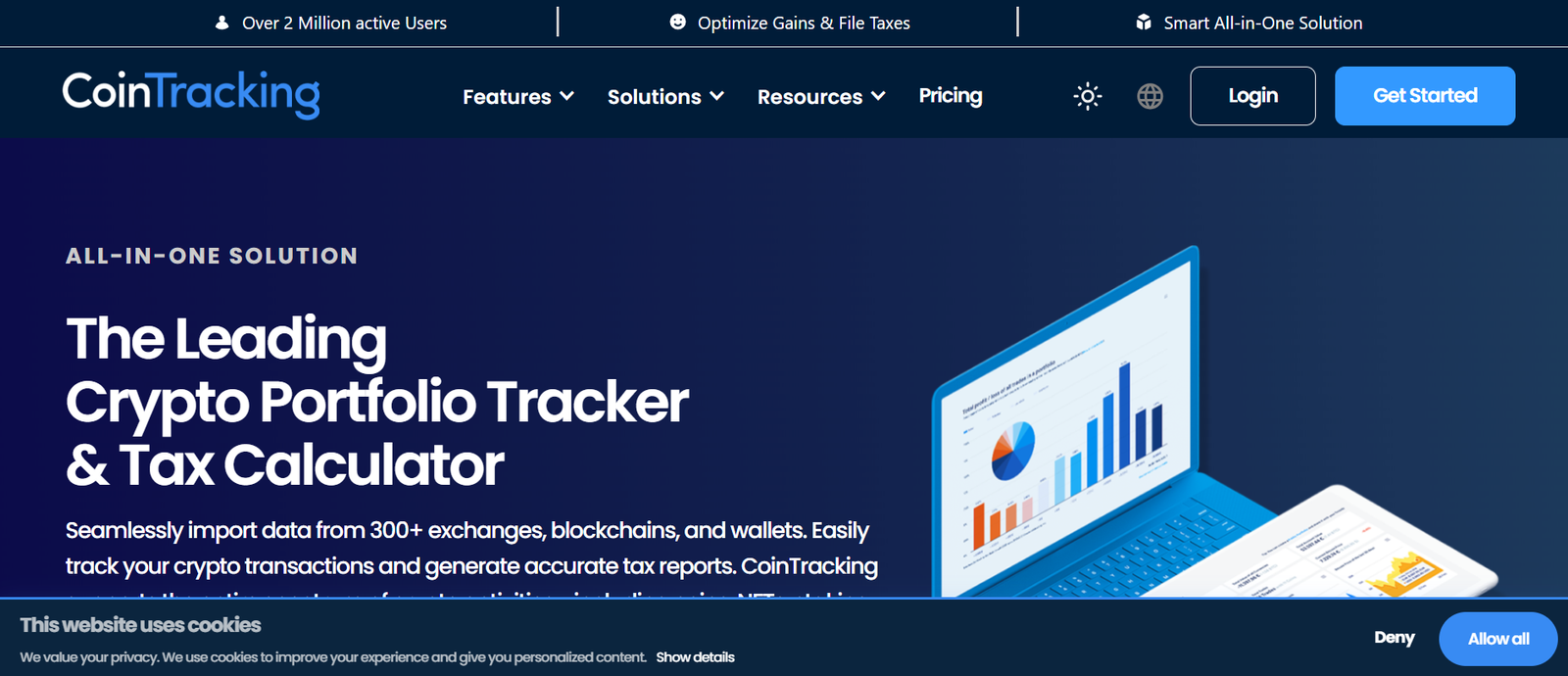
The platform focuses on detailed portfolio analytics, trading reports, and tax calculations, which makes it popular with experienced traders managing large transaction histories.
Many investors researching CoinTracking review, CoinTracking pricing, or CoinTracking alternatives are usually traders who want detailed portfolio analysis along with tax reporting.
CoinTracking has been operating since 2013 and has processed millions of crypto transactions for investors across many exchanges.
CoinTracking imports transaction data from exchanges, wallets, and blockchain addresses, then analyses the data to produce portfolio reports and tax summaries.
The platform supports activity such as:
- Spot trading
- Margin trading
- Staking rewards
- Token swaps
CoinTracking is commonly used by:
- Active crypto traders
- Portfolio managers
- Investors managing long trading histories
- Accountants preparing tax reports
Investors comparing CoinTracking vs CoinTracker or CoinTracking vs Koinly usually focus on analytics and reporting depth.
Key Features
Detailed Trading Analytics
One of the main reasons traders use CoinTracking is its detailed analytics system.
The platform produces numerous reports including:
- Profit and loss reports
- Trade statistics
- Asset performance analysis
- Historical trading summaries
These reports allow investors to analyse trading behaviour and evaluate portfolio performance.
Many CoinTracking review discussions highlight its analytics as a major reason traders choose the platform.
Exchange and Wallet Integration
CoinTracking integrates with many crypto exchanges and wallets, allowing users to import transaction history into the system.
Transactions can be added through:
- API connections
- CSV uploads
- Blockchain wallet tracking
Once imported, CoinTracking organises trading activity and prepares it for portfolio analysis and tax calculations.
Investors researching CoinTracking alternatives often compare the number of supported integrations.
Automated Capital Gains Reporting
CoinTracking calculates capital gains and losses based on transaction data and historical market prices.
The system processes activities such as:
- Buying and selling crypto
- Token swaps
- Transfers between wallets
Supported accounting methods include FIFO, LIFO, and other recognised methods.
Investors comparing CoinTracking vs Koinly often review how each platform calculates gains from complex trading histories.
Portfolio Tracking Dashboard
CoinTracking provides a dashboard where investors can monitor portfolio performance.
The dashboard shows:
- Total portfolio value
- Asset allocation
- Profit and loss data
- Transaction summaries
This allows traders to track portfolio performance across several exchanges from a single interface.
Historical Market Data Integration
CoinTracking integrates historical market price data to evaluate transactions and calculate portfolio performance.
This data allows the platform to:
- Calculate gains from historical trades
- Analyse portfolio growth over time
- Generate trading statistics
Many traders researching CoinTracking review mention that historical data improves portfolio analysis.
Pros and Cons
| Pros | Cons |
| Detailed analytics reports | Interface may appear complex |
| Long market history | Setup may take time |
| Portfolio analysis tools | Beginner learning curve |
| Large exchange support | Advanced features require paid plan |
Pricing
CoinTracking pricing depends on the number of transactions stored in the account.
Typical pricing tiers include:
| Plan | Price | Transactions |
| Free | £0 | 200 transactions |
| Pro | ~£10 monthly | 3,500 transactions |
| Expert | ~£16 monthly | 20,000 transactions |
| Unlimited | ~£30 monthly | Unlimited |
Investors often compare CoinTracking pricing vs CoinTracker pricing when selecting crypto tax tools.
Best for Active Traders Who Want Deep Portfolio Analytics
CoinTracking is well suited to investors who want detailed trading analysis alongside tax reporting.
Best fit users
- Active traders — detailed trading reports
- Long term investors — historical portfolio tracking
- Portfolio managers — analytics across several exchanges
- Data focused traders — advanced performance statistics
Verdict
CoinTracking stands out among crypto tax tools because of its detailed analytics and historical trading reports.
Practical Tip for Using CoinTracking
A useful strategy when using CoinTracking is regularly reviewing trade categorisation.
Correctly labelling trades, transfers, and deposits ensures that profit and loss reports remain accurate when generating tax summaries.
Best Alternate Tool
A strong alternative to CoinTracking is TaxBit, which focuses on automated tax reporting and integration with cryptocurrency exchanges.
TaxBit
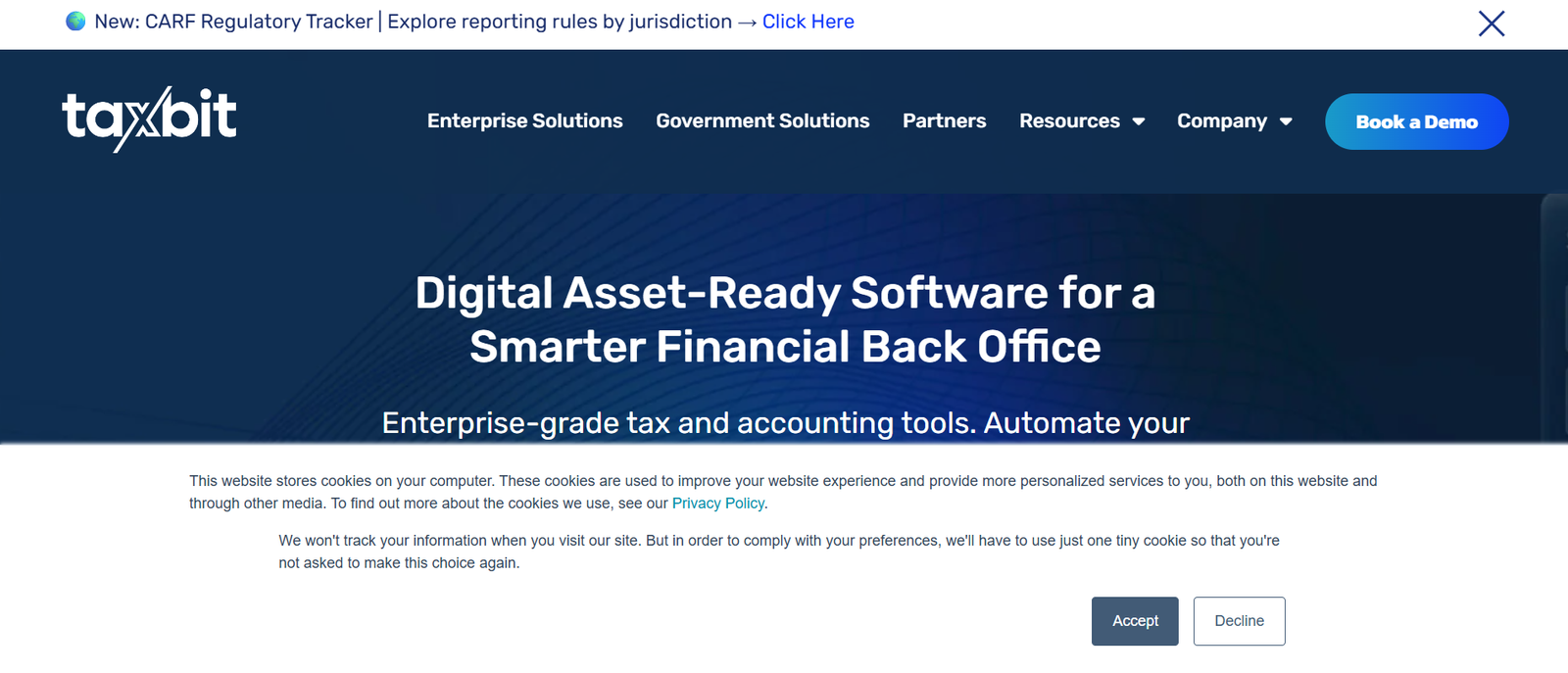
TaxBit is a crypto tax reporting platform designed to automate tax calculations for investors who trade on supported exchanges. The platform is widely known for its TaxBit Network, which allows participating exchanges to provide tax reporting features directly to their users.
Many investors searching for TaxBit review, TaxBit pricing, or TaxBit alternatives are usually looking for a simple system that connects exchange activity with automated tax calculations.
TaxBit has also worked with several cryptocurrency exchanges and financial institutions to improve digital asset tax reporting infrastructure.
TaxBit imports crypto transactions from exchanges and wallets, calculates capital gains and losses, and produces tax documentation that investors can share with accountants or tax authorities.
The platform supports activities such as:
- Spot trading
- Staking rewards
- Token swaps
- Portfolio tracking
TaxBit is commonly used by:
- Individual crypto investors
- Exchange users within the TaxBit Network
- Investors seeking automated tax reporting
- Accountants reviewing crypto portfolios
Investors comparing TaxBit vs CoinTracking or TaxBit vs Koinly usually focus on automation and exchange integrations.
Key Features
TaxBit Network Integration
One of the defining features of TaxBit is the TaxBit Network.
Certain cryptocurrency exchanges participate in this network and provide built-in tax reporting through TaxBit. This allows investors to access tax summaries directly from their exchange accounts.
When transactions are processed through participating platforms, tax calculations may appear automatically in TaxBit reports.Many TaxBit review discussions mention this integration as one of the platform’s most useful capabilities.
Automated Capital Gains Calculations
TaxBit calculates gains and losses automatically using transaction data and historical price information.
The platform processes events such as:
- Buying and selling cryptocurrency
- Token swaps
- Transfers between wallets
These calculations appear in structured tax summaries that investors can export when preparing filings.
Investors comparing TaxBit vs CoinTracker often review how each platform calculates gains from exchange activity.
Portfolio Tracking Interface
TaxBit includes a portfolio dashboard where investors can monitor their crypto holdings.
The interface shows:
- Portfolio value
- Profit and loss data
- Asset allocation
- Transaction summaries
This allows users to review portfolio performance while also preparing tax reports.
For investors researching TaxBit alternatives, portfolio tracking features are often compared with those provided by other crypto tax tools.
Tax Report Generation
Once transaction data is processed, TaxBit generates tax reports that investors can share with accountants or use when filing taxes.
Reports typically include:
- Capital gains summaries
- Income from staking or mining
- Transaction logs
- Portfolio summaries
These documents allow investors to organise crypto tax records efficiently.
Institutional Tax Infrastructure
TaxBit also provides tax infrastructure for financial institutions and cryptocurrency exchanges.
This capability allows platforms to integrate tax reporting into their systems so users can access tax calculations directly.
For investors researching TaxBit review, this institutional support often indicates the platform’s broader role in digital asset reporting.
Pros and Cons
| Pros | Cons |
| Exchange network integrations | Limited DeFi support |
| Automated tax calculations | Some features exchange dependent |
| Portfolio tracking included | Advanced traders may need deeper analytics |
| Structured tax reports | Integrations smaller than some competitors |
Pricing
TaxBit pricing varies depending on whether the platform is accessed directly or through an exchange partnership.
Typical plans include:
| Plan | Price | Features |
| Free | £0 | Basic reporting |
| Plus | ~£50 yearly | Expanded reports |
| Pro | ~£175 yearly | Advanced features |
| Institutional | Custom | Enterprise reporting |
Investors frequently compare TaxBit pricing vs Koinly pricing when evaluating crypto tax tools.
Best for Investors Using Exchanges in the TaxBit Network
TaxBit is particularly useful for investors whose exchanges already integrate with the TaxBit Network.
Best fit users
- Exchange users — built-in tax reporting through network partners
- Individual investors — automated gain calculations
- Accountants reviewing exchange reports — structured documentation
- Moderate traders — automated tax summaries
Verdict
TaxBit stands out among crypto tax tools due to its exchange network integrations and automated reporting infrastructure.
Practical Tip for Using TaxBit
A useful approach when using TaxBit is checking whether your exchange participates in the TaxBit Network.
If your exchange supports the network, many transaction records may already appear automatically, which reduces the need for manual imports.
Best Alternate Tool
A strong alternative to TaxBit is Bitwave, which focuses more on institutional crypto accounting and enterprise tax reporting.
Bitwave

Bitwave is a crypto accounting and tax reporting platform designed primarily for businesses, funds, and financial institutions managing digital assets. While many crypto tax tools focus on individual investors, Bitwave focuses on enterprise accounting systems and compliance reporting.
Many organisations researching Bitwave review, Bitwave pricing, or Bitwave alternatives are usually businesses managing large digital asset portfolios or companies accepting cryptocurrency payments.
Bitwave integrates with accounting systems and financial reporting tools, which makes it suitable for organisations that require structured accounting records alongside crypto tax calculations.
Bitwave processes digital asset transactions from exchanges, wallets, and blockchain networks and converts them into structured accounting and tax records.
The platform supports several crypto activities including:
- Trading transactions
- Corporate treasury management
- Digital asset payments
- DeFi interactions
Bitwave is commonly used by:
- Crypto businesses
- Financial institutions
- Accounting firms
- Companies accepting crypto payments
Investors comparing Bitwave vs TaxBit or Bitwave vs CoinTracker usually evaluate accounting integrations and enterprise features.
Key Features
Enterprise Accounting Integration
One of the main features of Bitwave is its integration with accounting platforms used by businesses.
The system can integrate with financial tools that organisations use to manage bookkeeping and financial reporting. This allows companies to incorporate crypto transactions into their accounting workflows.
Many Bitwave review articles mention this feature because it allows digital asset transactions to appear alongside traditional financial records.
Digital Asset Transaction Tracking
Bitwave tracks crypto transactions across exchanges, wallets, and blockchain networks.
The platform records activities such as:
- Trading transactions
- Transfers between corporate wallets
- Incoming crypto payments
- Token swaps
These records are organised into structured accounting entries that can be included in financial reports.
Businesses researching Bitwave alternatives often compare transaction tracking features across enterprise platforms.
Automated Capital Gains and Income Reporting
Bitwave calculates gains, losses, and income generated from digital assets.
The platform processes events such as:
- Selling crypto assets
- Receiving crypto payments
- Staking rewards
- Token swaps
These calculations are included in reports that accountants can use when preparing financial statements and tax filings.
Organisations comparing Bitwave vs TaxBit frequently evaluate the reporting structure for business accounting.
Compliance and Audit Reporting
Bitwave produces structured reports designed for regulatory compliance and financial audits.
These reports typically include:
- Digital asset transaction records
- Gain and loss summaries
- Income reporting
- Accounting entries for financial systems
For organisations that manage large digital asset balances, audit reporting is a critical requirement.
Treasury Management Dashboard
Bitwave also provides a dashboard where organisations can monitor their digital asset holdings.
The interface allows businesses to review:
- Total crypto balances
- Asset distribution
- Transaction activity
- Financial summaries
This allows corporate teams to review digital asset positions alongside accounting records.
Pros and Cons
| Pros | Cons |
| Built for business accounting | Not designed for casual investors |
| Enterprise integrations | Custom pricing structure |
| Compliance reporting features | Setup may require accounting expertise |
| Treasury tracking dashboard | Limited free access |
Pricing
Bitwave pricing is typically customised based on organisational requirements.
Typical structures include:
| Plan | Price | Features |
| Starter | Custom | Small organisations |
| Business | Custom | Accounting integrations |
| Enterprise | Custom | Institutional reporting |
Companies researching Bitwave pricing usually request a quote based on transaction volume and integration requirements.
Best for Businesses and Institutions Managing Crypto Assets
Bitwave works best for organisations that require structured accounting records and enterprise tax reporting.
Best fit users
- Crypto businesses — accounting records for digital asset transactions
- Financial institutions — compliance documentation
- Accounting firms — client portfolio reporting
- Companies accepting crypto payments — transaction tracking
Verdict
Bitwave stands out among crypto tax tools because of its enterprise accounting integrations and compliance reporting capabilities.
Practical Tip for Using Bitwave
Companies using Bitwave often benefit from integrating the platform directly with their accounting software early in the reporting cycle.
This allows digital asset transactions to appear automatically in financial reports rather than requiring manual reconciliation later.
Best Alternate Tool
A strong alternative to Bitwave is Accointing, which focuses more on individual investors and portfolio tracking rather than enterprise accounting.
Investors comparing Bitwave vs Accointing usually consider whether they need business accounting features or individual tax reporting.
Accointing

Accointing is a crypto portfolio tracking and tax reporting platform designed mainly for individual investors. The platform combines portfolio management, transaction tracking, and crypto tax reporting in a single dashboard.
Many investors researching Accointing review, Accointing pricing, or Accointing alternatives are typically users who want a mobile app to monitor their holdings while preparing tax reports.
Accointing gained popularity because of its mobile portfolio tracking app, which allows investors to track crypto holdings and transactions on the go.
Accointing imports crypto transaction history from exchanges, wallets, and blockchain addresses, then processes that data to calculate capital gains and produce tax reports.
The platform supports activity including:
- Spot trading
- Staking rewards
- Token swaps
- NFT transactions
Accointing is commonly used by:
- Individual crypto investors
- Mobile app users tracking portfolios
- Moderate traders
- Investors preparing crypto tax reports
People comparing Accointing vs CoinTracker or Accointing vs Koinly usually evaluate mobile usability and portfolio tracking features.
Key Features
Mobile Portfolio Tracking App
One of the most notable features of Accointing is its mobile portfolio tracking app.
The mobile interface allows investors to monitor their crypto holdings directly from a smartphone. Users can review portfolio value, asset allocation, and transaction history without logging into exchange accounts.
Many Accointing review articles highlight the mobile experience as one of the platform’s strongest advantages.
Exchange and Wallet Integrations
Accointing connects with many cryptocurrency exchanges and wallets to import transaction history automatically.
Transactions can be imported through:
- API connections
- CSV uploads
- Wallet address tracking
Once connected, the platform gathers transaction data and prepares it for tax calculations.
Investors researching Accointing alternatives often compare the number of integrations offered by competing crypto tax tools.
Automated Capital Gains Calculations
Accointing calculates capital gains and losses using imported transaction data and historical price information.
The system processes events such as:
- Buying and selling crypto
- Token swaps
- Transfers between wallets
These calculations appear in tax summaries that investors can export when preparing tax filings.Investors comparing Accointing vs CoinTracker often evaluate the accuracy of these calculations.
Portfolio Performance Analytics
Accointing includes analytics tools that allow investors to review portfolio performance.
The dashboard provides information such as:
- Portfolio growth
- Profit and loss summaries
- Asset distribution
- Transaction history
These reports help investors understand how their holdings have performed over time.
Tax Report Generation
Once transaction data has been processed, Accointing generates tax reports that investors can share with accountants or use for filing.
Reports usually include:
- Capital gains summaries
- Income from staking
- Transaction history logs
- Portfolio value reports
These documents organise crypto tax information in a structured format.
Pros and Cons
| Pros | Cons |
| Mobile portfolio tracking app | Advanced features limited |
| Beginner friendly interface | Some integrations require manual review |
| Automated tax calculations | High transaction tiers cost more |
| Portfolio analytics included | Limited enterprise features |
Pricing
Accointing pricing is based on the number of transactions processed each year.
Typical pricing tiers include:
| Plan | Price | Transactions |
| Free | £0 | Portfolio tracking |
| Hobbyist | ~£49 yearly | 100 transactions |
| Trader | ~£99 yearly | 1,000 transactions |
| Pro | ~£179 yearly | Larger portfolios |
Investors often compare Accointing pricing vs Koinly pricing when choosing between crypto tax tools.
Best for Mobile First Crypto Investors
Accointing works well for investors who prefer monitoring their portfolio and preparing tax reports through a mobile interface.
Best fit users
- Mobile investors — portfolio tracking through the app
- Beginner traders — simple interface and setup
- Moderate investors — automated tax reports
- Users monitoring holdings daily — portfolio analytics
Verdict
Accointing stands out among crypto tax tools due to its mobile portfolio tracking and easy interface for individual investors.
Practical Tip for Using Accointing
Investors using Accointing often benefit from connecting exchange accounts through API integrations rather than uploading CSV files.
API connections allow transactions to appear automatically in the dashboard, which keeps portfolio data updated throughout the year.
Best Alternate Tool
A strong alternative to Accointing is BearTax, which focuses more on automated transaction categorisation and tax report generation.
BearTax

BearTax is a crypto tax platform designed to automate transaction categorisation and tax report generation for investors trading across several exchanges. The platform focuses on simplifying crypto tax calculations, which is why it often appears in searches such as BearTax review, BearTax pricing, and BearTax alternatives.
Many investors using decentralised finance platforms look into BearTax because the software attempts to classify DeFi transactions automatically. Investors comparing BearTax vs Koinly or BearTax vs CoinLedger often focus on ease of use and automated transaction categorisation.
BearTax imports crypto transaction history from exchanges and wallets, analyses those transactions, and converts them into structured tax reports.
The platform supports activities such as:
- Spot trading
- DeFi transactions
- Staking rewards
- Token swaps
BearTax is commonly used by:
- Individual crypto investors
- Moderate traders
- DeFi users
- Investors preparing yearly tax reports
People researching BearTax alternatives often compare the platform with CoinLedger, Koinly, and CoinTracker.
Key Features
Automatic Transaction Categorisation
One of the most important features of BearTax is its automatic transaction classification.
After importing transaction history from exchanges and wallets, BearTax analyses each transaction and assigns categories such as:
- Trade
- Transfer
- Income
- Expense
This categorisation allows the system to calculate capital gains and income automatically.
Many BearTax review discussions mention this feature because it reduces the need for manual transaction sorting.
Exchange and Wallet Integrations
BearTax connects with many cryptocurrency exchanges and wallets to import trading activity.
Users can import data through:
- API integrations
- CSV file uploads
- Wallet address tracking
Once transactions are imported, BearTax processes the data and prepares it for tax calculations.
Investors researching BearTax alternatives often compare the integration coverage offered by different crypto tax tools.
Automated Capital Gains Calculations
BearTax calculates gains and losses using transaction history and historical price data.
The platform processes activities such as:
- Buying and selling cryptocurrency
- Token swaps
- Transfers between wallets
These calculations appear in tax summaries that can be exported for accountants or tax filing software.
Investors comparing BearTax vs CoinLedger often evaluate how each platform calculates gains from trading activity.
DeFi Transaction Tracking
BearTax attempts to track decentralised finance activity within crypto portfolios.
The platform analyses transactions involving:
- Liquidity pools
- Token swaps
- Yield farming rewards
- Staking income
These activities are categorised and included in tax calculations.For DeFi users researching BearTax review, this capability is often a deciding factor.
Tax Report Export System
Once transaction data is analysed, BearTax generates tax reports that investors can share with accountants or import into filing software.
Typical reports include:
- Capital gains summaries
- Income reports from staking or mining
- Transaction history logs
- Portfolio summaries
These documents organise crypto tax information into structured records.
Pros and Cons
| Pros | Cons |
| Automatic transaction categorisation | Smaller integration library |
| Simple reporting interface | Limited analytics features |
| DeFi transaction tracking | Advanced traders may need deeper reports |
| Tax reports ready for accountants | No large free plan |
Pricing
BearTax pricing depends on the number of transactions processed.
Typical pricing tiers include:
| Plan | Price | Transactions |
| Basic | ~£50 yearly | Small portfolios |
| Trader | ~£100 yearly | Moderate activity |
| Professional | ~£200 yearly | Large portfolios |
Investors often compare BearTax pricing vs CoinLedger pricing when evaluating crypto tax tools.
Best for Investors Who Want Automated Transaction Categorisation
BearTax works well for investors who want a system that organises crypto transactions automatically before generating tax reports.
Best fit users
- Moderate traders — automated transaction categorisation
- DeFi users — basic smart contract transaction tracking
- Individual investors — simple tax report generation
- Investors sharing reports with accountants — exportable summaries
Verdict
BearTax stands out among crypto tax tools because of its automated transaction classification and simplified reporting process.
Practical Tip for Using BearTax
A useful approach when using BearTax is reviewing automatically categorised transactions after importing exchange data.
Checking these categories ensures transfers, trades, and income events are correctly classified before generating final tax reports.
Best Alternate Tool
A strong alternative to BearTax is Ledgible, which focuses on enterprise crypto accounting and institutional reporting.
Ledgible

Ledgible is a digital asset tax and accounting platform designed primarily for financial institutions, accounting firms, and enterprises managing cryptocurrency portfolios. Unlike many crypto tax tools focused on individual investors, Ledgible focuses on institutional reporting, compliance documentation, and enterprise accounting workflows.
Many organisations researching Ledgible review, Ledgible pricing, or Ledgible alternatives are typically accounting firms or financial institutions that manage crypto portfolios for clients.
Investors comparing Ledgible vs Bitwave or Ledgible vs TaxBit usually focus on enterprise accounting integrations and compliance reporting.
Ledgible processes digital asset transactions from exchanges, wallets, and blockchain networks and converts them into structured accounting and tax reports.
The platform supports several digital asset activities including:
- Cryptocurrency trading
- Corporate treasury management
- Staking rewards
- Token swaps
Ledgible is commonly used by:
- Accounting firms
- Financial institutions
- Crypto investment funds
- Businesses holding digital assets
People researching Ledgible alternatives often compare the platform with Bitwave, TaxBit, and other enterprise crypto accounting solutions.
Key Features
Enterprise Accounting Integration
One of the core features of Ledgible is its ability to integrate with enterprise accounting systems.
These integrations allow organisations to record crypto transactions alongside traditional financial data. Accounting teams can review digital asset activity within existing financial reporting systems.
Many Ledgible review discussions mention this feature because it simplifies the process of incorporating cryptocurrency into financial statements.
Digital Asset Transaction Tracking
Ledgible tracks cryptocurrency transactions across exchanges, wallets, and blockchain networks.
The platform records activities such as:
- Buying and selling cryptocurrency
- Transfers between wallets
- Token swaps
- Incoming digital asset payments
These transactions are organised into structured entries that can be used in accounting records and tax reports.
Organisations researching Ledgible alternatives often compare transaction tracking capabilities across enterprise platforms.
Automated Tax Reporting
Ledgible calculates capital gains, losses, and income generated from digital asset activity.
The system processes events such as:
- Asset sales
- Crypto payments
- Staking income
- Token swaps
These calculations appear in reports that accounting teams can use when preparing tax filings and financial statements.
Companies comparing Ledgible vs Bitwave often review tax reporting structures.
Compliance and Audit Documentation
Ledgible provides detailed reporting designed for regulatory compliance and financial audits.
Reports usually include:
- Transaction history logs
- Capital gains summaries
- Digital asset balance reports
- Income reports
These documents allow organisations to maintain clear records for tax authorities and auditors.
Institutional Portfolio Monitoring
Ledgible includes a dashboard that allows organisations to monitor digital asset holdings.
The interface provides visibility into:
- Total digital asset balances
- Asset distribution
- Transaction activity
- Financial summaries
This allows financial teams to review digital asset positions within a structured reporting environment.
Pros and Cons
| Pros | Cons |
| Built for institutional reporting | Not designed for individual investors |
| Enterprise accounting integrations | Pricing not publicly listed |
| Compliance documentation | Setup may require accounting expertise |
| Portfolio monitoring dashboard | No standard free plan |
Pricing
Ledgible pricing is usually customised depending on organisational needs.
Typical pricing structures include:
| Plan | Price | Features |
| Business | Custom | Accounting integrations |
| Institutional | Custom | Compliance reporting |
| Enterprise | Custom | Large portfolio management |
Companies researching Ledgible pricing typically request a quote based on transaction volume and integration requirements.
Best for Accounting Firms and Financial Institutions Managing Crypto Assets
Ledgible works best for organisations that require structured accounting systems and regulatory reporting for digital assets.
Best fit users
- Accounting firms — managing client crypto portfolios
- Financial institutions — digital asset reporting infrastructure
- Investment funds — large portfolio tracking
- Businesses holding cryptocurrency — accounting integration
Verdict
Ledgible stands out among crypto tax tools because of its enterprise accounting integrations and institutional compliance reporting.
Practical Tip for Using Ledgible
Accounting teams using Ledgible often integrate the platform directly with their financial reporting systems early in the reporting cycle.
This allows digital asset transactions to appear automatically in accounting records rather than requiring manual reconciliation later.
Best Alternate Tool
A strong alternative to Ledgible is Recap, which focuses more on individual investors and tax reporting for specific regions.
Recap

Recap is a crypto tax reporting platform designed to organise digital asset transactions and calculate capital gains for investors. The platform focuses on clear tax summaries and portfolio tracking, which is why it often appears in searches such as Recap review, Recap pricing, and Recap alternatives.
Many investors researching Recap are individuals who want a structured method for calculating crypto taxes without complicated setup. Investors comparing Recap vs Koinly or Recap vs CoinTracker usually evaluate reporting clarity and integration support.
Recap imports crypto transaction data from exchanges, wallets, and blockchain addresses. The platform then processes those transactions to calculate gains, losses, and income events.
The system supports activities such as:
- Spot trading
- Token swaps
- Staking rewards
- Portfolio tracking
Recap is commonly used by:
- Individual crypto investors
- Traders using several exchanges
- Investors preparing yearly tax reports
- Accountants reviewing crypto portfolios
Users researching Recap alternatives often compare it with tools like Koinly, CoinTracker, and CoinLedger.
Key Features
Automatic Transaction Imports
Recap allows users to import transaction data from exchanges and wallets.
Transactions can be imported through:
- API connections
- CSV file uploads
- Blockchain wallet addresses
Once data is imported, the platform organises transaction records and prepares them for tax calculations.
Many Recap review articles mention that the import process allows investors to gather trading history from several platforms in one location.
Capital Gains and Loss Calculations
Recap calculates gains and losses using transaction history and historical price data.
The system processes events such as:
- Buying and selling cryptocurrency
- Token swaps
- Transfers between wallets
These calculations appear in structured tax summaries that investors can export when preparing tax filings.
Investors comparing Recap vs CoinTracker often evaluate the capital gains calculation process when choosing between crypto tax tools.
Portfolio Tracking Dashboard
Recap includes a portfolio dashboard that allows investors to monitor the value of their digital assets.
The interface shows:
- Total portfolio value
- Profit and loss summaries
- Asset distribution
- Transaction history
This dashboard provides investors with a clear overview of their holdings while preparing tax reports.
Tax Report Generation
Once transaction data has been processed, Recap produces tax reports that investors can share with accountants.
Reports typically include:
- Capital gains summaries
- Income reports from staking
- Detailed transaction logs
- Portfolio summaries
These documents organise digital asset activity into structured tax records.
Clear Transaction Review Interface
Recap includes a transaction review interface where investors can verify how transactions are classified before generating final reports.
Users can review and adjust entries such as:
- Transfers between personal wallets
- Staking income
- Trading activity
This review process helps ensure tax calculations remain accurate.
Pros and Cons
| Pros | Cons |
| Simple reporting interface | Fewer integrations than some tools |
| Clear tax summaries | Advanced analytics limited |
| Portfolio tracking included | High volume traders may need other platforms |
| Easy transaction review | No large free plan |
Pricing
Recap pricing depends on the number of transactions processed.
Typical pricing tiers include:
| Plan | Price | Transactions |
| Starter | ~£99 yearly | Small portfolios |
| Trader | ~£199 yearly | Moderate activity |
| Professional | Custom | Large portfolios |
Investors often compare Recap pricing vs Koinly pricing when selecting a crypto tax platform.
Best for Individual Investors Who Want Simple Crypto Tax Reports
Recap works well for investors who want a straightforward system for calculating capital gains from cryptocurrency activity.
Best fit users
- Individual investors — simple tax summaries
- Moderate traders — automatic gain calculations
- Investors working with accountants — structured reports
- Portfolio trackers — clear dashboard view
Verdict
Recap stands out among crypto tax tools because of its simple reporting system and structured tax summaries.
Practical Tip for Using Recap
A useful strategy when using Recap is reviewing transactions periodically throughout the year instead of waiting until tax season.
Checking imported transactions regularly allows investors to correct classifications early and avoid complications when generating final reports.
Best Alternate Tool
A strong alternative to Recap is Atani, which focuses more on portfolio management and trading integration alongside tax reporting.
Atani
Atani is a cryptocurrency trading and portfolio management platform that also includes crypto tax reporting tools. Unlike many platforms that focus only on tax calculations, Atani combines trading, portfolio tracking, and tax reporting within a single interface.
Many investors searching for Atani review, Atani pricing, or Atani alternatives are traders who want to manage their portfolios and prepare tax reports from one platform.
Investors comparing Atani vs CoinTracker or Atani vs Koinly often focus on the combination of trading features and tax reporting tools.Atani connects to multiple exchanges and wallets to import transaction history, track portfolio performance, and calculate crypto tax obligations.
The platform supports activities such as:
- Cryptocurrency trading
- Portfolio monitoring
- Token swaps
- Staking rewards
Atani is commonly used by:
- Active crypto traders
- Investors managing several exchange accounts
- Individuals preparing tax reports
- Traders monitoring portfolios daily
People researching Atani alternatives often compare the platform with CoinLedger, Koinly, and CoinTracker.
Key Features
Multi Exchange Portfolio Management
Atani allows investors to connect several cryptocurrency exchanges to one dashboard.
Once exchanges are connected, the platform gathers trading activity and displays a unified view of the portfolio.
Users can track:
- Total portfolio value
- Asset allocation
- Trading history
Many Atani review discussions mention this feature because it allows traders to monitor holdings across several exchanges without logging into multiple platforms.
Integrated Crypto Trading Terminal
One of Atani’s distinctive features is its trading terminal.
Instead of switching between exchange websites, traders can execute trades through Atani while managing their portfolio from a single interface.
The trading terminal allows users to:
- Place buy and sell orders
- Monitor price movements
- Analyse market charts
Investors comparing Atani vs CoinTracker often evaluate this feature since most crypto tax tools do not include trading functionality.
Automated Tax Calculations
Atani includes built in tools that analyse transaction history and calculate gains, losses, and income from crypto activity.
The system processes events such as:
- Buying and selling crypto
- Token swaps
- Transfers between wallets
These calculations can be exported into tax summaries for reporting purposes.
Many investors researching Atani review want a platform that combines portfolio tracking with tax calculations.
Portfolio Performance Analytics
Atani includes analytics tools that allow investors to review portfolio performance.
Reports typically include:
- Profit and loss summaries
- Asset performance statistics
- Portfolio distribution
These insights help traders evaluate investment strategies and monitor long term performance.
Exchange and Wallet Integrations
Atani integrates with many cryptocurrency exchanges and wallets, allowing users to import transaction data automatically.
Transactions can be imported through:
- API connections
- CSV uploads
- Wallet address tracking
These integrations allow the platform to collect trading history and prepare tax calculations.
Investors researching Atani alternatives often compare integration support with other crypto tax tools.
Pros and Cons
| Pros | Cons |
| Trading and tax tools combined | Some exchanges unsupported |
| Multi exchange portfolio tracking | Learning curve for beginners |
| Portfolio analytics included | Advanced tax features limited |
| Unified trading terminal | Smaller ecosystem than major tools |
Pricing
Atani pricing varies depending on features and services used.
Typical access includes:
| Plan | Price | Features |
| Basic | Free | Portfolio tracking |
| Premium | Subscription | Advanced analytics |
| Institutional | Custom | Professional tools |
Investors often compare Atani pricing vs CoinTracker pricing when evaluating crypto portfolio platforms.
Best for Traders Who Want Trading and Tax Tools in One Platform
Atani works well for investors who want to manage trading activity and tax calculations within a single interface.
Best fit users
- Active traders — integrated trading terminal
- Investors using multiple exchanges — unified dashboard
- Portfolio managers — performance analytics
- Traders preparing tax reports — automated gain calculations
Verdict
Atani stands out among crypto tax tools because it combines trading functionality, portfolio tracking, and tax reporting within a single platform.
Practical Tip for Using Atani
A useful approach when using Atani is connecting all exchange accounts through API integrations at the beginning of the tax year.
This ensures transaction data remains updated automatically throughout the year and simplifies tax reporting later.
Best Alternate Tool
A strong alternative to Atani is ZenLedger, which focuses primarily on automated crypto tax reporting and compliance documentation.
ZenLedger
ZenLedger is one of the most widely used crypto tax tools designed to simplify digital asset tax reporting for investors and accounting professionals. The platform focuses on automated transaction imports, capital gains calculations, and structured tax reports.
Many investors searching for ZenLedger review, ZenLedger pricing, or ZenLedger alternatives want a system that can process thousands of transactions from multiple exchanges and wallets.
Investors comparing ZenLedger vs Koinly or ZenLedger vs CoinTracker often evaluate integration coverage and tax report accuracy.
ZenLedger imports cryptocurrency transactions from exchanges, wallets, and blockchain networks. The platform then analyses the data to calculate gains, losses, and crypto income.
ZenLedger supports activities such as:
- Cryptocurrency trading
- DeFi transactions
- Staking rewards
- NFT trading
ZenLedger is commonly used by:
- Individual crypto investors
- Active traders
- NFT collectors
- Accountants preparing crypto tax reports
Users researching ZenLedger alternatives often compare it with CoinLedger, Koinly, and CoinTracker.
Key Features
Large Exchange and Wallet Integration Library
ZenLedger supports integrations with a wide range of cryptocurrency exchanges and wallets.
Transactions can be imported through:
- API integrations
- CSV file uploads
- Blockchain wallet tracking
This allows investors to collect trading activity from several platforms in one dashboard.
Many ZenLedger review discussions highlight integration coverage as a major reason investors choose the platform.
Automated Capital Gains Calculations
ZenLedger analyses transaction history and calculates capital gains and losses automatically.
The platform processes events such as:
- Buying and selling cryptocurrency
- Token swaps
- Transfers between wallets
Historical market data is used to calculate the value of assets at the time of each transaction.Investors comparing ZenLedger vs CoinTracker often evaluate the gain calculation process.
DeFi and NFT Transaction Support
ZenLedger attempts to process decentralised finance transactions and NFT trading activity.
The platform analyses events such as:
- Liquidity pool participation
- Yield farming rewards
- NFT purchases and sales
These transactions are included in gain and income calculations for tax reporting.
Many investors researching ZenLedger review are interested in these DeFi and NFT tracking capabilities.
Tax Report Generation
Once transaction data has been processed, ZenLedger generates tax reports that investors can export or share with accountants.
Typical reports include:
- Capital gains summaries
- Crypto income reports
- Transaction logs
- Portfolio summaries
These reports organise digital asset activity into structured tax documentation.
Accountant and Audit Support
ZenLedger includes features designed for accounting professionals.
These capabilities allow accountants to:
- Review client portfolios
- Access structured transaction records
- Generate tax reports
This makes the platform suitable for accounting firms that prepare tax filings for crypto investors.
Pros and Cons
| Pros | Cons |
| Large exchange integration library | Interface may feel complex |
| DeFi and NFT transaction support | Higher tier pricing |
| Automated tax calculations | Setup may require transaction review |
| Accountant collaboration tools | Free plan limited |
Pricing
ZenLedger pricing depends on the number of transactions processed each year.
Typical plans include:
| Plan | Price | Transactions |
| Starter | ~£49 yearly | Small portfolios |
| Premium | ~£149 yearly | Moderate trading |
| Executive | ~£399 yearly | Large portfolios |
| Platinum | Custom | Institutional users |
Investors often compare ZenLedger pricing vs CoinLedger pricing when choosing crypto tax software.
Best for Investors with Large Transaction Histories
ZenLedger works well for traders and investors who manage activity across multiple exchanges and blockchain networks.
Best fit users
- Active traders — large transaction processing
- NFT investors — NFT transaction tracking
- DeFi users — decentralised finance activity reporting
- Accountants — client portfolio management
Verdict
ZenLedger stands out among crypto tax tools because of its integration coverage and support for complex crypto transactions.
Practical Tip for Using ZenLedger
Investors using ZenLedger often benefit from reviewing imported transactions before generating tax reports.
Checking transfers between personal wallets helps ensure they are not incorrectly classified as taxable events.
Best Alternate Tool
A strong alternative to ZenLedger is CryptoTaxCalculator, which focuses on handling complex DeFi and multi-chain transaction histories.
CryptoTaxCalculator
CryptoTaxCalculator is a crypto tax reporting platform designed for investors dealing with complex blockchain activity, DeFi transactions, and multi chain portfolios. The software focuses on accurately processing transactions from several blockchains and decentralised protocols.
Many investors researching CryptoTaxCalculator review, CryptoTaxCalculator pricing, or CryptoTaxCalculator alternatives are traders who participate in DeFi ecosystems and need accurate tax calculations for complicated transaction histories.
Investors comparing CryptoTaxCalculator vs ZenLedger or CryptoTaxCalculator vs Koinly often focus on DeFi transaction handling and blockchain compatibility.
CryptoTaxCalculator imports digital asset transactions from exchanges, wallets, and blockchain networks. The platform analyses this activity to calculate capital gains, losses, and crypto income.
The platform supports several activities including:
- Cryptocurrency trading
- DeFi transactions
- NFT trading
- Staking rewards
CryptoTaxCalculator is commonly used by:
- Active crypto traders
- DeFi investors
- NFT traders
- Investors managing multi chain portfolios
People researching CryptoTaxCalculator alternatives frequently compare the platform with ZenLedger, CoinLedger, and Koinly.
Key Features
Multi Chain Blockchain Support
CryptoTaxCalculator supports transaction tracking across several blockchain networks.
Users can import activity from networks such as:
- Ethereum based chains
- Layer 2 networks
- Other supported blockchain ecosystems
This allows investors to consolidate transaction data from multiple chains into a single dashboard.
Many CryptoTaxCalculator review discussions highlight this feature because multi chain portfolios are becoming common among crypto investors.
DeFi Transaction Processing
One of the platform’s main strengths is its ability to analyse decentralised finance activity.
CryptoTaxCalculator processes transactions involving:
- Liquidity pools
- Yield farming rewards
- Token swaps
- Lending protocols
These transactions are categorised and included in tax calculations.
Investors comparing CryptoTaxCalculator vs ZenLedger often review how each platform handles DeFi interactions.
Automated Capital Gains Calculations
CryptoTaxCalculator calculates gains and losses using imported transaction data and historical price information.
The system processes events such as:
- Buying and selling cryptocurrency
- Token swaps
- Transfers between wallets
These calculations appear in structured reports used for tax reporting.
Many investors researching CryptoTaxCalculator review are interested in how the platform processes complex trading activity.
NFT Transaction Tracking
CryptoTaxCalculator supports NFT trading transactions.
The platform analyses NFT events such as:
- NFT purchases
- NFT sales
- Marketplace transfers
These activities are included in gain and loss calculations when generating tax summaries.
This feature is important for investors trading digital collectibles across NFT marketplaces.
Tax Report Generation
Once transaction data has been processed, CryptoTaxCalculator generates tax reports that investors can export.
Reports usually include:
- Capital gains summaries
- Crypto income reports
- Detailed transaction logs
- Portfolio summaries
These reports can be shared with accountants or imported into tax filing systems.
Pros and Cons
| Pros | Cons |
| Strong DeFi transaction processing | Higher pricing tiers |
| Multi chain blockchain support | Beginner setup may require review |
| NFT transaction tracking | Smaller ecosystem than some tools |
| Automated gain calculations | Limited free access |
Pricing
CryptoTaxCalculator pricing depends on the number of transactions processed.
Typical plans include:
| Plan | Price | Transactions |
| Rookie | ~£49 yearly | Small portfolios |
| Hobbyist | ~£99 yearly | Moderate trading |
| Investor | ~£189 yearly | Larger portfolios |
| Pro | ~£299 yearly | High transaction volume |
Investors often compare CryptoTaxCalculator pricing vs ZenLedger pricing when choosing a crypto tax reporting platform.
Best for DeFi Investors Managing Multi Chain Portfolios
CryptoTaxCalculator is particularly useful for investors participating in decentralised finance ecosystems and trading across several blockchains.
Best fit users
- DeFi investors — complex protocol transactions
- NFT traders — marketplace transaction tracking
- Multi chain investors — several blockchain networks
- Active traders — automated capital gains calculations
Verdict
CryptoTaxCalculator stands out among crypto tax tools because of its ability to process complex DeFi activity and multi chain transaction histories.
Practical Tip for Using CryptoTaxCalculator
Investors using CryptoTaxCalculator often benefit from reviewing DeFi transactions carefully after importing blockchain data.
Because DeFi interactions can include several smart contract steps, reviewing these entries ensures tax calculations remain accurate.
Best Alternate Tool
A strong alternative to CryptoTaxCalculator is TokenTax, which focuses on complex crypto tax scenarios and accountant assisted reporting.
Conclusion: Choosing the Right Crypto Tax Tool in 2026
Managing cryptocurrency taxes can quickly become complicated, especially if you trade across several exchanges, participate in DeFi protocols, or invest in NFTs. The best crypto tax tools for investors in 2026 simplify this process by automatically importing transactions, calculating capital gains, and generating tax reports.
Whether you are a beginner investor tracking a few trades or a high volume trader managing thousands of transactions, the tools in this guide provide different levels of automation, reporting, and integration support.
The key is choosing software that matches your portfolio complexity, exchange usage, and reporting requirements.
Final Thoughts on the Best Crypto Tax Tools for Investors in 2026
Choosing the best crypto tax tools for investors in 2026 comes down to one key factor: how complex your crypto activity is. If you trade occasionally on one exchange, a simple crypto tax calculator may be enough. But if you manage DeFi positions, NFT trading, staking rewards, and multiple wallets, you will need more advanced crypto tax tools.
The best crypto tax tools for investors listed in this guide were selected because they solve the biggest problems crypto investors face today:
- Importing thousands of transactions from different exchanges
- Calculating capital gains accurately
- Tracking DeFi and NFT activity
- Producing structured tax reports for accountants
Call to Action
If your crypto portfolio is growing and your tax reporting is becoming complicated, working with an experienced financial partner can make a significant difference.
Pearl lemon Catering works with clients who need structured financial organisation and professional support when managing complex financial records, including cryptocurrency activity. As crypto investing becomes more common across the UK and international markets, proper documentation and financial organisation are essential.
FAQs
- What are crypto tax tools?
Crypto tax tools are software platforms that import cryptocurrency transactions from exchanges and wallets, calculate capital gains, and generate tax reports.
- Why do crypto investors need tax software?
Crypto investors often trade across multiple exchanges and wallets. Tax software automatically tracks transactions and calculates gains, which simplifies tax reporting.
- Are crypto tax tools accurate?
Most crypto tax tools use historical market data and automated transaction analysis to calculate gains. However, investors should still review transactions before generating final reports.
- Can crypto tax software track DeFi transactions?
Some advanced platforms support DeFi activity such as liquidity pools, staking rewards, and token swaps. Tools like ZenLedger and CryptoTaxCalculator focus on complex blockchain activity.
- Do crypto tax tools support NFT transactions?
Yes. Many modern crypto tax tools can track NFT purchases, sales, and transfers and include them in capital gains calculations.
- How do crypto tax tools import transactions?
Transactions can be imported through API connections, CSV uploads, or wallet address tracking.
- Are free crypto tax tools available?
Some platforms offer limited free plans, but investors with large transaction histories usually require paid plans.
- Can crypto tax tools integrate with tax filing software?
Several crypto tax tools integrate with tax filing systems so investors can export reports directly into tax preparation software.
- Which crypto tax tool is best for beginners?
Platforms with simple dashboards and automated imports are generally best for beginners.
- Which crypto tax tool is best for DeFi investors?
Investors using DeFi protocols usually prefer platforms that specialise in processing complex blockchain transactions.