
Most traders lose money not because they lack ideas, but because they fail to validate them with backtesting. If you’re serious about making consistent returns, you need more than gut feelings. You need hard data. For that, you need a stock backtesting tool.
We’ve tested over 40 stock backtesting platforms that promise to help traders design, test, and refine strategies before risking a single penny. After analysing their accuracy, usability, and cost, we’ve narrowed it down to the top 20 stock backtesting tools that actually deliver.
Whether you’re a day trader, algorithmic strategist, or portfolio manager, this review will show you which platforms can help you fine-tune trading strategies and improve win rates.
What Is Stock Backtesting?
Stock backtesting is the process of testing a trading strategy against historical market data to determine its effectiveness. Instead of gambling with live trades, traders simulate past market conditions to see how their strategies would have performed.
Backtesting helps you:
- Understand potential drawdowns and profits
- Fine-tune entry and exit signals
- Compare multiple trading algorithms
- Identify flaws before risking capital
For modern investors, backtesting is the difference between systematic trading and speculation. With the right backtesting tool, you can make decisions based on evidence, not emotion.
Quick Comparison of the Best Stock Backtesting Tools
| Tool Name | Best For | Starting Price | Free Trial? | Key Feature | Rating |
| TradeStation | Advanced strategy automation | $0 (broker-linked) | Yes | Integrated trading + backtesting | 4.8 |
| MetaTrader 5 | Forex & stock traders | Free | Yes | Strategy tester + MQL5 coding | 4.6 |
| QuantConnect | Algorithmic developers | Free / Paid tiers | Yes | Cloud-based backtesting engine | 4.7 |
| NinjaTrader | Futures & forex | $0–$99/mo | Yes | Real-time simulation | 4.5 |
| Amibroker | Technical traders | $279 (lifetime) | No | Custom formula language (AFL) | 4.6 |
| TrendSpider | Charting + AI backtesting | $27/mo | Yes | AI-assisted technical analysis | 4.7 |
| Tradier | Brokerage-integrated | Free with brokerage | Yes | Strategy automation | 4.5 |
| Backtrader | Python users | Free | Yes | Open-source framework | 4.8 |
| QuantShare | Data-intensive traders | $245 | No | Custom indicators + scripting | 4.6 |
| AlgoTrader | Hedge funds | Custom pricing | Demo | Multi-asset institutional tool | 4.9 |
| Portfolio123 | Fundamental traders | $49/mo | Yes | Factor-based modeling | 4.7 |
| Stock Rover | Investors & analysts | $7.99/mo | Yes | Fundamental backtesting | 4.5 |
| Wealth-Lab | Active traders | $39.95/mo | Yes | Visual strategy builder | 4.6 |
| MultiCharts | Professional use | $99/mo | Yes | Tick-by-tick simulation | 4.8 |
| QuantRocket | Interactive Brokers users | $39/mo | Yes | Moonshot backtesting | 4.7 |
| StrategyQuant X | Algo traders | $1290 one-time | Trial | Strategy generation | 4.8 |
| Tickblaze | Institutional quant traders | $249/mo | Yes | Tick-level testing | 4.7 |
| Tradestation Labs | Advanced coders | Custom pricing | Yes | API-based system testing | 4.8 |
| Tickeron | AI investors | $30/mo | Yes | Pattern recognition | 4.5 |
| ProRealTime | European traders | Free / Paid tiers | Yes | Auto-trading + charting | 4.6 |
Top 20 Stock Backtesting Tools (Detailed Review)
Below, we’ll go in-depth on each of the top 20 stock backtesting tool, highlighting its features, pricing, and best-fit audience.
1. TradeStation – Professional-Grade Backtesting and Live Trading Integration
TradeStation is one of the most established trading platforms, known for combining powerful stock backtesting with a fully functional brokerage system. It caters to traders who want both analysis and execution within one ecosystem. Its backtesting engine allows for rule-based strategy development with deep customisation.
Key Features
EasyLanguage Strategy Builder
TradeStation’s proprietary EasyLanguage allows traders to write, modify, and test trading strategies with precision. It’s simple enough for beginners yet powerful enough for advanced algorithmic traders. Users can automate testing across thousands of symbols with historical data.
Historical Market Data Access
The platform provides decades of intraday and daily data for equities, futures, and forex. This helps traders backtest strategies with a long-term perspective and identify how they perform under various market cycles.
Portfolio-Level Backtesting
TradeStation supports multi-asset backtesting, enabling traders to test strategies on entire portfolios rather than individual symbols. This feature provides a more realistic picture of risk exposure and diversification.
Integrated Broker Execution
Once satisfied with a strategy’s performance, traders can move directly from testing to live trading without exporting data or changing platforms. This smooth transition eliminates execution delays.
Performance Analytics Dashboard
Traders can review in-depth analytics including drawdowns, profit factors, Sharpe ratios, and trade distribution reports. These help in refining strategies and identifying weaknesses before risking capital.
Pros and Cons
| Pros | Cons |
| Deep integration with live trading | Steeper learning curve for beginners |
| Large database of historical data | Requires installation on desktop |
| EasyLanguage scripting simplifies custom strategies | Pricing can vary for data subscriptions |
| Advanced analytics and reports | Limited free features for non-broker clients |
Pricing
TradeStation offers free access if you open a brokerage account. Non-broker users can expect data feed costs starting at around $99 per month. Advanced data packages and add-ons are optional.
Best For Active Traders Managing Complex Portfolios
TradeStation is ideal for traders who need professional-grade analytics combined with execution capabilities.
- Quantitative traders – For automating and refining algorithmic strategies
- Swing traders – To backtest and validate setups before live trading
- Portfolio managers – To run multiple systems simultaneously
- Technical analysts – To combine charting and testing seamlessly
Verdict: TradeStation is a reliable choice for traders who want accuracy and performance combined. Its data depth and integration with live trading make it a consistent performer in 2025.
How to Use TradeStation for Strategy Validation
Set up multiple variations of your strategy using EasyLanguage and use the Walk-Forward Optimiser to identify the most stable parameter sets. This reduces overfitting and ensures robustness in live market conditions.
Best Alternate Tool: NinjaTrader
NinjaTrader offers comparable automation features and advanced backtesting modules with slightly lower costs for retail traders. It’s ideal if you prefer custom indicators and futures testing.
2. MetaTrader 5 – Multi-Asset Trading and Strategy Testing
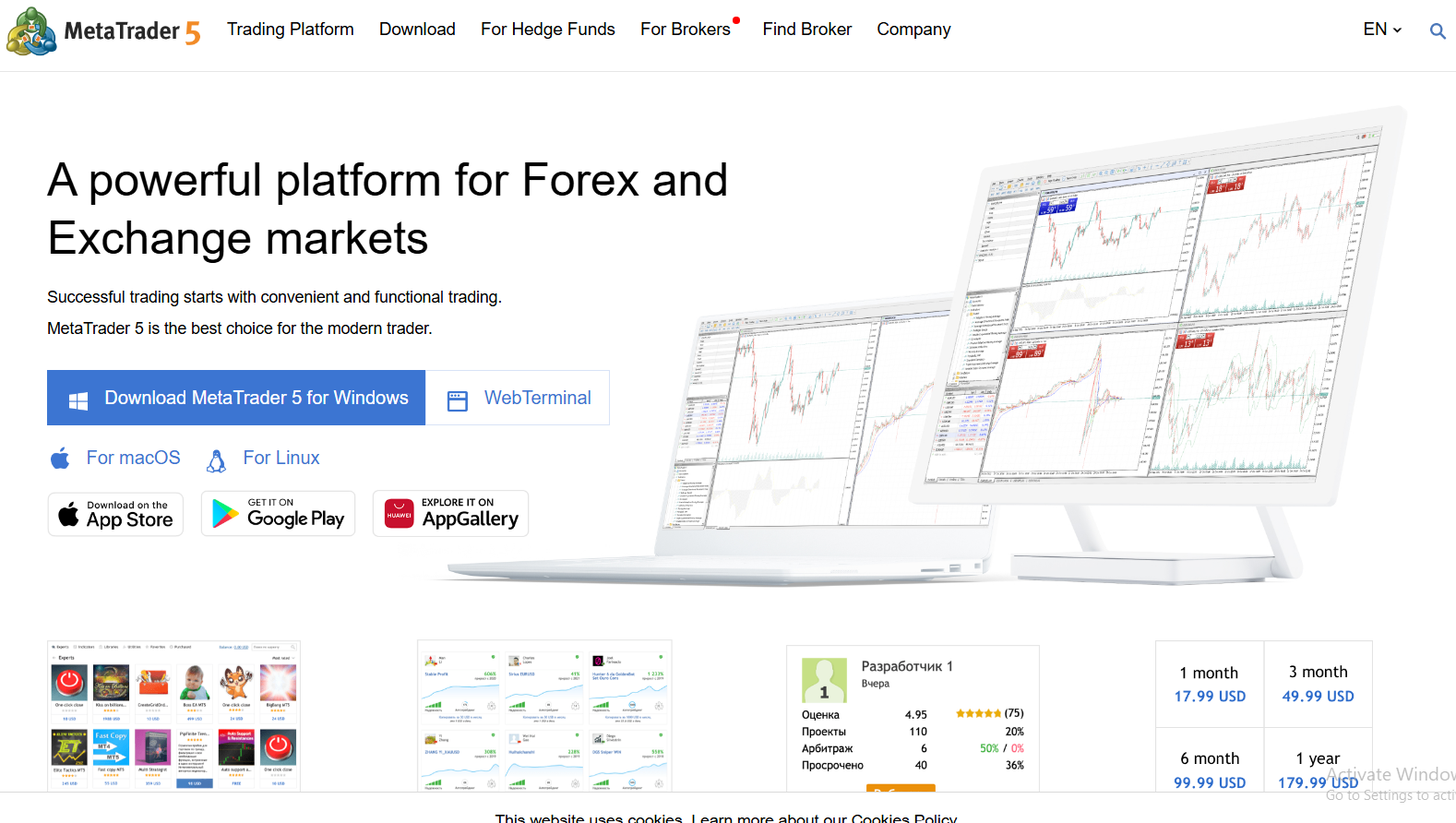
MetaTrader 5 (MT5) is a powerful all-in-one trading platform popular among retail traders for its charting, automation, and strategy testing features. Its built-in Strategy Tester enables traders to backtest custom trading robots (Expert Advisors) using historical data from multiple markets including forex, stocks, and commodities.
Key Features
Strategy Tester with Multi-Threaded Optimisation
MT5’s Strategy Tester allows multi-threaded testing, which means it can run multiple backtests simultaneously. This feature significantly reduces the time needed to evaluate different parameters and trading systems.
Custom Scripting with MQL5 Language
The platform’s proprietary MQL5 language allows traders to build and test automated strategies, indicators, and scripts. It supports complex calculations and event-driven programming, perfect for algorithmic trading.
Real Tick Data Backtesting
MetaTrader 5 provides tick-by-tick data, giving a realistic simulation of market conditions and price fluctuations, making your backtests more accurate.
Cloud Testing Capability
Users can connect to the MQL5 Cloud Network, which distributes computing power across thousands of agents worldwide, speeding up large-scale optimisation.
Visual Backtesting Interface
MT5 provides an intuitive visualisation of backtest results, allowing traders to see exactly how trades would have been executed on charts.
Pros and Cons
| Pros | Cons |
| Supports multiple asset classes | Requires scripting knowledge for automation |
| Free to use via most brokers | Interface can be outdated for some users |
| Large online community and script library | Limited historical data on some brokers |
| Fast, multi-threaded backtesting engine | No built-in AI optimisation |
Pricing
MetaTrader 5 is free through most brokers. Paid versions or VPS hosting may apply for automated trading and advanced data feeds.
Best For Algorithmic Traders and Strategy Developers
- Forex traders – For automated trading with Expert Advisors
- Stock traders – For cross-market testing
- Quant traders – For algorithmic modelling using MQL5
- Day traders – For low-latency testing and execution
Verdict: MetaTrader 5 remains one of the most widely adopted tools for stock backtesting thanks to its reliability, broker compatibility, and flexibility in automated strategy creation.
How to Use MetaTrader 5 for Precise Testing
Enable tick data and choose “Every tick based on real ticks” mode in the Strategy Tester for the most realistic backtest results.
Best Alternate Tool: QuantConnect
QuantConnect provides cloud-based backtesting using Python, ideal for those wanting more programming flexibility and multi-asset testing.
3. QuantConnect – Cloud-Based Algorithmic Backtesting for Quants
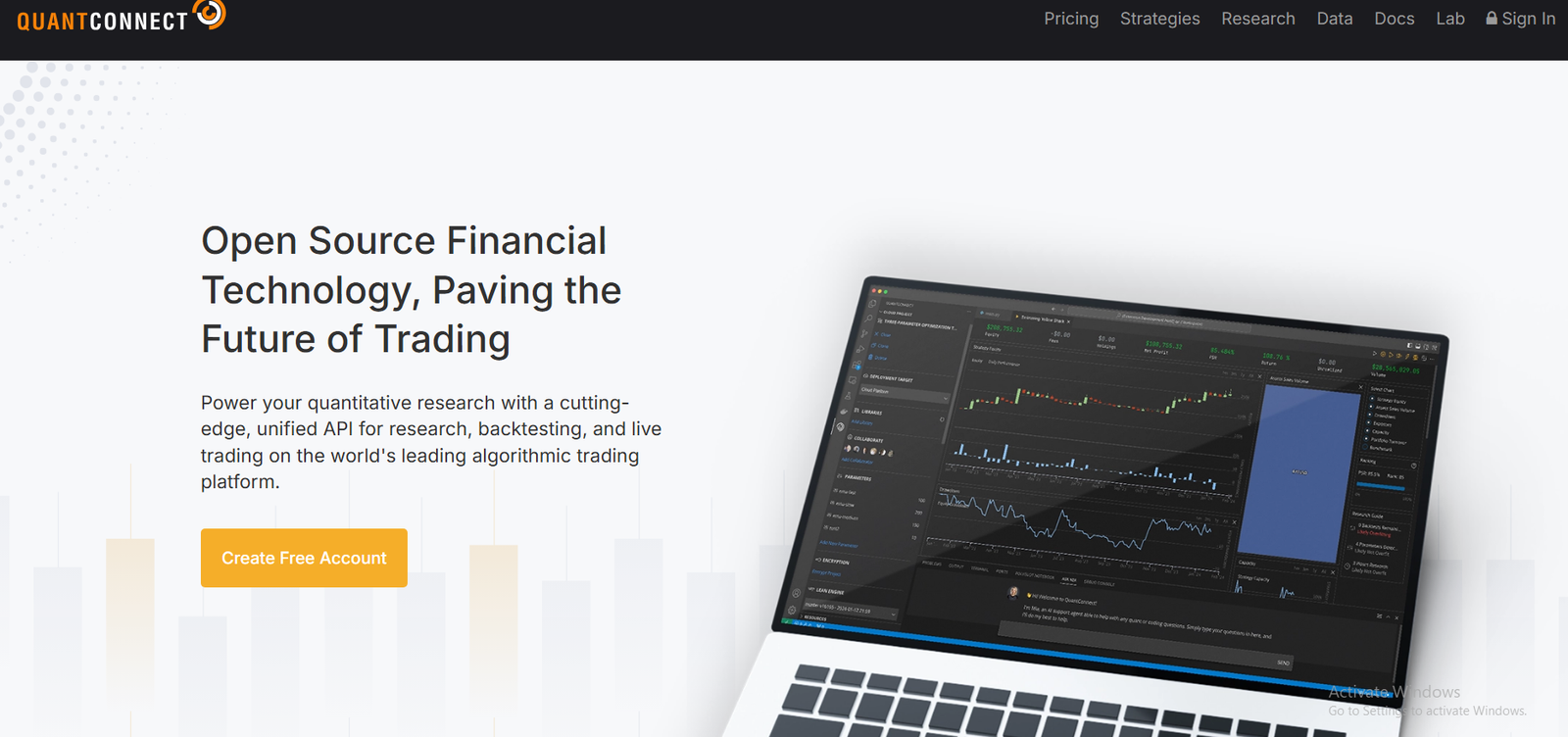
QuantConnect is a quantitative research and algorithmic trading platform that enables users to backtest strategies using institutional-grade data. It’s designed for developers, quantitative analysts, and hedge funds that want a scalable, cloud-driven environment.
Key Features
Lean Algorithm Framework
QuantConnect runs on the open-source Lean Engine, which supports multiple asset classes and programming languages such as Python and C#. It’s perfect for building professional-grade trading systems.
Cloud Backtesting Infrastructure
Instead of relying on local computing power, QuantConnect performs backtesting on powerful cloud servers, handling high-speed computation and large datasets efficiently.
Extensive Historical Data Library
The platform provides access to equities, options, futures, forex, and cryptocurrencies. Its data spans decades and includes tick-level granularity.
Integration with Interactive Brokers and OANDA
QuantConnect supports live trading integration with major brokers, enabling traders to deploy tested strategies directly in the live markets.
Collaborative Research Environment
QuantConnect offers community-based research libraries and shared codebases that can help traders learn from others’ models and accelerate strategy development.
Pros and Cons
| Pros | Cons |
| Institutional-grade data access | Requires coding skills |
| Cloud-based for faster computation | No simple drag-and-drop interface |
| Supports multiple asset classes | Limited visual reporting |
| Seamless broker integration | Steeper learning curve |
Pricing
QuantConnect offers free access with limited compute power. Premium plans start from around $8 per month, with higher tiers for professionals requiring more processing capacity.
Best For Quantitative Developers and Algorithmic Traders
- Data scientists – For testing algorithmic models with real data
- Hedge funds – For institutional-level infrastructure
- Retail quants – For low-cost access to high-quality backtesting
- Developers – For full code-based strategy design
Verdict: QuantConnect is perfect for technical traders who value speed, flexibility, and open-source transparency in their backtesting process.
How to Use QuantConnect for Portfolio Optimisation
Use the Parameter Optimiser module to test multiple strategy variations and identify which parameter set maximises risk-adjusted return.
Best Alternate Tool: Backtrader
If you prefer running strategies locally with Python, Backtrader provides similar flexibility with no subscription fees.
4. NinjaTrader – Real-Time Backtesting for Futures and Forex

NinjaTrader is a leading platform for active traders who focus on futures, forex, and equities. Known for its speed and professional-grade charting, it offers both live trading and advanced simulation capabilities.
Key Features
Strategy Builder and C# Scripting
NinjaTrader’s Strategy Builder allows users to create and test strategies without programming knowledge. For advanced users, it supports full C# coding for deeper customisation.
Market Replay Function
This feature lets traders replay historical data as if it were happening live, providing a hands-on way to see how strategies perform in real market conditions.
Advanced Charting and Indicators
With hundreds of built-in technical indicators and charting options, traders can analyse price action visually and test scenarios efficiently.
Optimisation Engine
NinjaTrader includes a powerful optimisation engine that helps identify the best-performing strategy parameters using historical data.
Brokerage Integration
It doubles as a brokerage platform, allowing users to move from backtesting to execution instantly.
Pros and Cons
| Pros | Cons |
| Supports advanced and manual backtesting | Data costs can add up |
| Suitable for active futures traders | Desktop-only platform |
| Realistic trade simulation with Market Replay | Learning curve for non-coders |
| Built-in trade analytics | Requires third-party data sources |
Pricing
NinjaTrader offers a free version for strategy development and backtesting. Paid licences start at $99 per month or a one-time payment of $1,499 for lifetime access.
Best For Active Day Traders and Futures Specialists
- Futures traders – For in-depth backtesting with tick-level precision
- Forex traders – For quick optimisation and strategy simulation
- Technical analysts – For visual trade testing
- Independent traders – For combining charting and execution
Verdict: NinjaTrader stands out for its simulation quality and integration of testing with execution, making it a strong contender for active traders in 2025.
How to Use NinjaTrader for Realistic Testing
Use the Market Replay function with Level II data to simulate depth-of-market conditions for your strategy.
Best Alternate Tool: TradeStation
TradeStation offers similar execution integration but with broader multi-asset support.
5. Amibroker – Technical Backtesting for Serious Analysts
Amibroker is a favourite among technical traders and system developers thanks to its speed, flexibility, and custom scripting through AFL (Amibroker Formula Language). It’s an excellent option for traders who prefer running backtests on their own systems without relying on the cloud.
Key Features
Amibroker Formula Language (AFL)
AFL allows users to code complex trading strategies, indicators, and systems. It offers extensive support for custom functions, making it a versatile choice for advanced users.
Ultra-Fast Backtesting Engine
Amibroker’s backtesting engine is optimised for speed, processing millions of data points in seconds. This is ideal for those who need to test hundreds of strategies quickly.
Portfolio-Level Analysis
The software enables portfolio backtesting, which helps assess strategy correlation and risk exposure across multiple instruments.
Monte Carlo Simulation
This built-in tool simulates thousands of possible future outcomes based on past data, helping traders assess the reliability of their strategy.
Custom Reporting and Visual Charts
Amibroker provides advanced performance reporting with profit curves, drawdown charts, and trade statistics for detailed analysis.
Pros and Cons
| Pros | Cons |
| Extremely fast backtesting | Requires AFL scripting knowledge |
| One-time payment (no subscription) | Outdated user interface |
| Portfolio and Monte Carlo simulations | No direct broker integration |
| Detailed reporting and analytics | Steeper learning curve for beginners |
Pricing
Amibroker is available for a one-time payment starting at $279 for the Standard Edition. Professional and Ultimate editions are priced higher, with added features and data handling capabilities.
Best For Technical Traders and System Developers
- Quant traders – For complex modelling using AFL
- Swing traders – For testing technical setups across assets
- Analysts – For evaluating strategy correlation
- Developers – For running local backtests with full control
Verdict: Amibroker is unmatched for traders who value independence and raw computational speed. It’s built for those who prefer total control over their strategy logic and data.
How to Use Amibroker for Reliable Results
Combine Monte Carlo simulations with portfolio testing to ensure that your strategy performs well under different market volatility conditions.
Best Alternate Tool: QuantShare
QuantShare offers a similar backtesting environment with broader data management and scripting options.
6. TrendSpider – AI-Powered Charting and Backtesting

TrendSpider brings automation and artificial intelligence to technical analysis and stock backtesting. It’s designed for traders who want to save time by letting algorithms identify patterns, test setups, and optimise strategies without manual input. Its backtesting module combines historical data, chart analysis, and alerts into a single platform.
Key Features
AI Chart Pattern Recognition
TrendSpider automatically detects chart patterns such as triangles, wedges, and channels, then tests their performance over time. This helps traders validate whether specific formations truly offer an edge.
Automated Backtesting Engine
Its backtesting module allows you to test strategies based on trendlines, indicators, or candlestick patterns. You can run simulations directly on price charts to visualise how trades would have executed.
Raindrop Charts and Multi-Timeframe Analysis
Unique to TrendSpider, Raindrop Charts combine volume and price action into a single visual, showing how momentum builds within candles. This feature improves timing accuracy across multiple timeframes.
Smart Alerts and Dynamic Scanning
Set up conditional alerts that trigger only when multiple technical signals align. The dynamic scanner lets traders find opportunities that match backtested setups in real time.
Cloud-Based Platform
All data, charts, and tests are cloud-hosted, which means no installation or setup. Traders can run backtests from any device.
Pros and Cons
| Pros | Cons |
| AI-driven pattern recognition | No algorithmic scripting support |
| Clean interface, great for visual learners | Limited asset class support (mostly stocks and ETFs) |
| Fast cloud-based testing | Lacks portfolio-level testing |
| Integrated alerts and charting | No broker execution integration |
Pricing
TrendSpider starts at $27 per month with essential tools. The Elite and Advanced plans, which include backtesting and AI chart recognition, cost $65 and $97 per month respectively. A 7-day free trial is available.
Best For Technical Traders Using Chart Patterns
- Swing traders – To backtest breakout and trend setups
- Day traders – For intraday pattern validation
- Visual learners – For intuitive, chart-based testing
- Stock analysts – For AI-assisted analysis
Verdict: TrendSpider is the go-to platform for traders who rely heavily on technical chart analysis. Its automation saves hours of manual work while maintaining strong testing accuracy.
How to Use TrendSpider for Strategy Refinement
Run backtests using Raindrop Charts on higher timeframes, then refine your entries on lower ones to improve trade precision.
Best Alternate Tool: Stock Rover
Stock Rover is a great alternative if your focus is on fundamental-based backtesting rather than technical setups.
7. Tradier – Integrated Brokerage and Strategy Automation
Tradier is a brokerage-backed platform offering APIs and data infrastructure for traders who want to backtest and automate their trading strategies. It’s widely used by developers and algo traders who prefer creating their own systems while accessing live brokerage execution.
Key Features
Developer API Access
Tradier’s REST API lets you build, test, and execute trading strategies programmatically. It integrates easily with tools like QuantConnect, Amibroker, and custom trading bots.
Brokerage Integration
As both a broker and platform, Tradier allows you to backtest strategies and execute them live using the same data feed, reducing slippage between simulation and execution.
Partner Platform Ecosystem
Tradier partners with several trading software companies, allowing users to connect tools like TrendSpider, OptionNet Explorer, and MotiveWave directly to its trading infrastructure.
Historical Market Data Feed
Access reliable market data for equities and options, suitable for testing strategies requiring high-quality tick and intraday information.
Cloud-Based Account Management
All data, transactions, and backtests are cloud-hosted, making it accessible anywhere with a secure connection.
Pros and Cons
| Pros | Cons |
| Integrated broker and API platform | Not ideal for beginners |
| Compatible with multiple trading tools | Requires coding for custom testing |
| High-quality data and execution speed | Limited built-in analytics |
| Affordable for active traders | US-market focused data |
Pricing
Tradier’s brokerage accounts are free to open, with commissions starting at $0.35 per contract for options and no equity commissions. API access is included, while premium data packages start at around $25 per month.
Best For Developers and Active Traders
- Algorithmic traders – To automate strategies through the API
- Software developers – For custom backtesting frameworks
- Options traders – For strategy testing with real data
- Active traders – For integrated live trading and backtesting
Verdict: Tradier is best suited for those who prefer flexibility and integration over plug-and-play tools. It’s a powerful infrastructure choice for systematic traders.
How to Use Tradier for Backtesting Integration
Combine Tradier’s API with Python libraries like Backtrader to create end-to-end automated testing and live execution workflows.
Best Alternate Tool: QuantRocket
QuantRocket offers similar API flexibility with additional built-in analytics and cloud deployment options.
8. Backtrader – Open-Source Python Framework for Strategy Testing

Backtrader is a free and open-source backtesting framework for Python that provides unmatched flexibility for developers and data scientists. It’s ideal for anyone looking to create custom trading strategies without the constraints of commercial platforms.
Key Features
Python-Based Framework
Backtrader supports all Python data science libraries, making it easy to combine financial modelling with machine learning or statistical analysis.
Multi-Asset Support
The framework allows simultaneous testing across stocks, futures, forex, and cryptocurrencies, with full control over position sizing and execution logic.
Visual Strategy Analysis
It includes built-in plotting functions to display entry and exit points, trade distributions, and equity curves directly on charts.
Live Trading Integration
Backtrader connects with brokers like Interactive Brokers and OANDA, allowing live trading using the same strategy logic used in backtesting.
Community and Extensibility
As an open-source project, it has a vibrant community and numerous extensions that expand functionality, from walk-forward testing to custom metrics.
Pros and Cons
| Pros | Cons |
| Free and highly customisable | Requires programming knowledge |
| Works with multiple data sources | No graphical interface |
| Supports live trading integration | Manual setup and configuration needed |
| Large open-source community | Limited official support |
Pricing
Backtrader is completely free. Costs only apply if you integrate premium data feeds or hosting.
Best For Developers and Quants
- Data scientists – For algorithmic testing using Python
- Developers – For building custom backtesting engines
- Institutional researchers – For scalable testing frameworks
- Advanced traders – For running in-depth simulations
Verdict: Backtrader is one of the best tools for traders who want total control and flexibility without subscription fees. It’s a serious choice for those who understand coding.
How to Use Backtrader for Advanced Modelling
Combine Backtrader with libraries like Pandas, NumPy, and scikit-learn to apply machine learning models directly to trading strategies.
Best Alternate Tool: QuantConnect
QuantConnect offers a similar backtesting environment but provides managed cloud infrastructure for faster deployment.
9. QuantShare – Data-Driven Stock Backtesting Software

QuantShare is a desktop application designed for traders who rely on large datasets and custom indicators. It stands out for its ability to handle massive volumes of historical data and provide advanced statistical analysis.
Key Features
Custom Indicator Builder
Create and import thousands of technical indicators using QuantShare’s scripting engine. It supports flexible syntax and powerful data manipulation.
Data Import Flexibility
Users can import data from nearly any source—CSV, SQL databases, or online APIs—making it suitable for traders who use multiple data vendors.
Monte Carlo Simulation and Walk-Forward Testing
QuantShare includes tools for walk-forward optimisation and probabilistic modelling to ensure strategies remain consistent across different market conditions.
Multi-Account and Portfolio Testing
Backtest multiple systems and accounts simultaneously, tracking performance across strategies in one dashboard.
Social Sharing and Libraries
Access a large library of shared scripts and models from other QuantShare users, accelerating system development.
Pros and Cons
| Pros | Cons |
| Powerful scripting and analytics | Slightly outdated interface |
| Great for data-heavy strategies | Learning curve for beginners |
| Supports walk-forward testing | No mobile access |
| Import any type of market data | Limited cloud capabilities |
Pricing
QuantShare starts with a one-time purchase of $245 for the standard version. Additional plugins and data packages may be purchased separately.
Best For Data-Driven Traders and Analysts
- Quantitative traders – For strategy modelling using historical data
- Data analysts – For multi-variable testing
- Portfolio managers – For cross-strategy comparison
- Independent researchers – For statistical and factor testing
Verdict: QuantShare is ideal for traders who depend on deep data analysis and require customisation beyond what cloud platforms can offer.
How to Use QuantShare for Better Testing Accuracy
Combine walk-forward testing with Monte Carlo simulations to ensure your results hold across changing market conditions.
Best Alternate Tool: Amibroker
Amibroker offers a faster interface with a more polished AFL scripting language but less flexibility in data imports.
10. AlgoTrader – Institutional-Grade Backtesting and Execution
AlgoTrader is an enterprise-level platform built for hedge funds, asset managers, and institutional traders. It combines backtesting, live execution, and risk management in a single automated environment.
Key Features
Multi-Asset and Multi-Venue Support
AlgoTrader supports equities, derivatives, forex, and cryptocurrencies, with direct connections to major exchanges and brokers.
Event-Driven Architecture
It uses an event-driven system to simulate real-world market conditions, providing precise backtesting accuracy.
Integrated Risk Management
AlgoTrader includes portfolio-level risk metrics, such as Value-at-Risk (VaR) and drawdown limits, ensuring strategies adhere to institutional compliance.
Python and Java API Access
Developers can build and test strategies in Python or Java, enabling integration with in-house quant research environments.
Cloud and On-Premises Deployment
Available as both a cloud service and local installation, it fits the security and scalability needs of professional firms.
Pros and Cons
| Pros | Cons |
| Institutional-grade performance | Expensive for small traders |
| Comprehensive asset class support | Complex setup process |
| Realistic event-driven testing | Requires technical expertise |
| Integrated risk management | High system requirements |
Pricing
AlgoTrader offers custom pricing based on firm size and needs. Enterprise plans include dedicated support, server hosting, and integration services.
Best For Hedge Funds and Institutional Quant Teams
- Asset managers – For risk-managed, scalable backtesting
- Hedge funds – For institutional-grade data analysis
- Quant teams – For collaborative model development
- Proprietary trading firms – For integrated execution pipelines
Verdict: AlgoTrader is built for institutions requiring robust backtesting and execution capabilities. It’s a premium solution for professionals who manage multiple asset classes.
How to Use AlgoTrader for Team Research
Integrate AlgoTrader with Python notebooks for collaborative quant research and share strategy analytics across departments.
Best Alternate Tool: MultiCharts
MultiCharts offers professional-level testing and execution but at a more affordable price for smaller teams.
11. Portfolio123 – Fundamental and Quantitative Backtesting
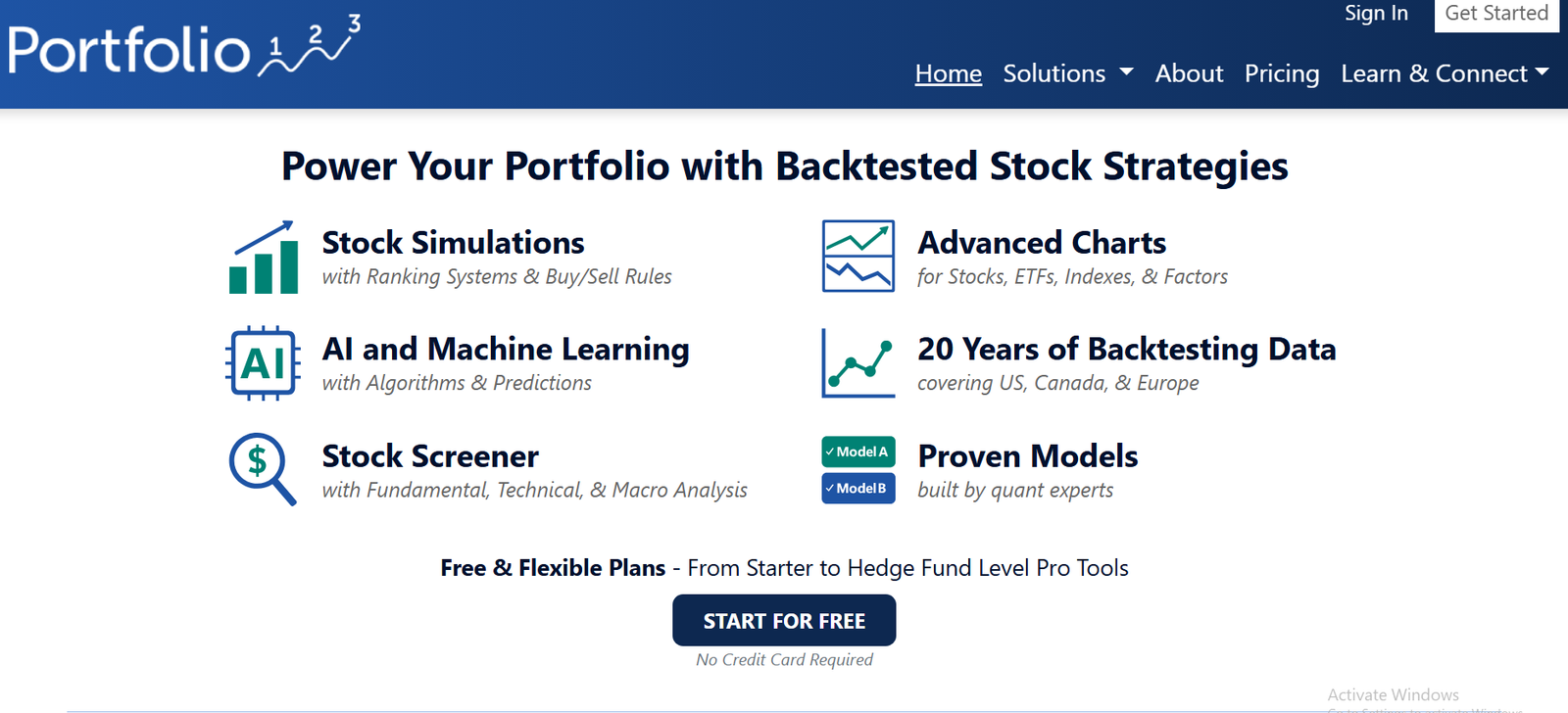
Portfolio123 combines quantitative modelling with fundamental data analysis, making it one of the most complete stock backtesting tools for investors who rely on both technical and fundamental indicators. It’s widely used by portfolio managers and systematic traders seeking factor-based strategies.
Key Features
Fundamental and Factor-Based Modelling
Portfolio123 enables users to create strategies using financial ratios, balance sheet data, and market metrics. You can test models based on value, growth, and momentum factors simultaneously.
Ranking and Screening Systems
The platform includes powerful stock screeners that can filter securities based on hundreds of criteria. You can then backtest these screens to see how well they would have performed historically.
Custom Universe Creation
Users can build and backtest within custom universes—like specific sectors, market caps, or indices—to tailor performance to their focus area.
Monte Carlo and Walk-Forward Testing
Portfolio123 adds robustness to its models with probabilistic simulations and walk-forward testing to ensure stability across different time periods.
Ready-to-Use Strategy Templates
For beginners, it offers prebuilt models and community-contributed strategies to get started quickly.
Pros and Cons
| Pros | Cons |
| Combines fundamental and technical backtesting | Limited charting tools |
| Excellent screening and ranking system | No direct broker integration |
| Strong community and shared models | Steeper learning curve for beginners |
| Highly customisable | Subscription costs add up for multiple modules |
Pricing
Portfolio123 starts at $49 per month for basic users. Advanced users can opt for the Premium or Pro plans, priced between $99 and $199 per month, which include multi-factor modelling and advanced data access.
Best For Quantitative Investors and Portfolio Managers
- Fundamental investors – For factor-based strategy testing
- Portfolio managers – For model and risk management
- Long-term traders – For building sustainable strategies
- Data-focused analysts – For multi-factor stock selection
Verdict: Portfolio123 bridges the gap between fundamental and quantitative analysis, offering robust tools for backtesting complex investment models.
How to Use Portfolio123 for Factor Testing
Combine multiple factors like price-to-book, EPS growth, and momentum into one ranking system to identify historically consistent outperformers.
Best Alternate Tool: Stock Rover
Stock Rover offers a simpler interface for investors who want a more intuitive approach to fundamental testing.
12. Stock Rover – Comprehensive Fundamental Backtesting
Stock Rover is designed for investors who rely on financial statements, ratios, and performance metrics rather than purely technical indicators. It allows detailed backtesting of portfolios and stock screens using historical fundamentals.
Key Features
Fundamental Data Library
Stock Rover provides access to 10+ years of fundamental data, including financial ratios, income statements, and valuation metrics. It’s ideal for testing value and growth strategies.
Screening and Ranking Tools
You can build complex stock screens with over 600 metrics, including valuation, profitability, and dividend performance. Each screen can be backtested to assess consistency.
Portfolio Analysis
Backtest entire portfolios to track metrics such as volatility, drawdown, Sharpe ratio, and income stability.
Comparative Benchmarking
Measure the performance of your backtested strategy against major indices or ETFs to evaluate relative strength.
Cloud-Based Dashboard
Accessible from any browser, Stock Rover keeps your data synced, so you can test and monitor strategies in real time.
Pros and Cons
| Pros | Cons |
| Excellent for fundamental investors | Limited for technical analysis |
| Easy-to-use screening tools | No scripting for automation |
| Extensive historical financial data | Paid plans required for full access |
| Portfolio backtesting supported | Not suited for short-term traders |
Pricing
Stock Rover starts at $7.99 per month for the Essentials plan. The Premium and Premium Plus plans, which unlock full backtesting features, cost $17.99 and $27.99 per month respectively.
Best For Long-Term and Value Investors
- Dividend investors – To analyse long-term yield performance
- Value traders – To identify undervalued stocks through backtesting
- Growth investors – To test multi-year financial performance
- Wealth managers – For client portfolio simulations
Verdict: Stock Rover is one of the top backtesting tools for investors who value fundamental data over chart patterns. It’s affordable, accurate, and reliable for portfolio-based research.
How to Use Stock Rover for Dividend Strategy Testing
Create a screen using dividend growth rate, payout ratio, and return on equity to test consistent dividend performers over 10 years.
Best Alternate Tool: Portfolio123
Portfolio123 provides more flexibility for multi-factor and advanced ranking models.
13. Wealth-Lab – Visual Strategy Builder for Active Traders
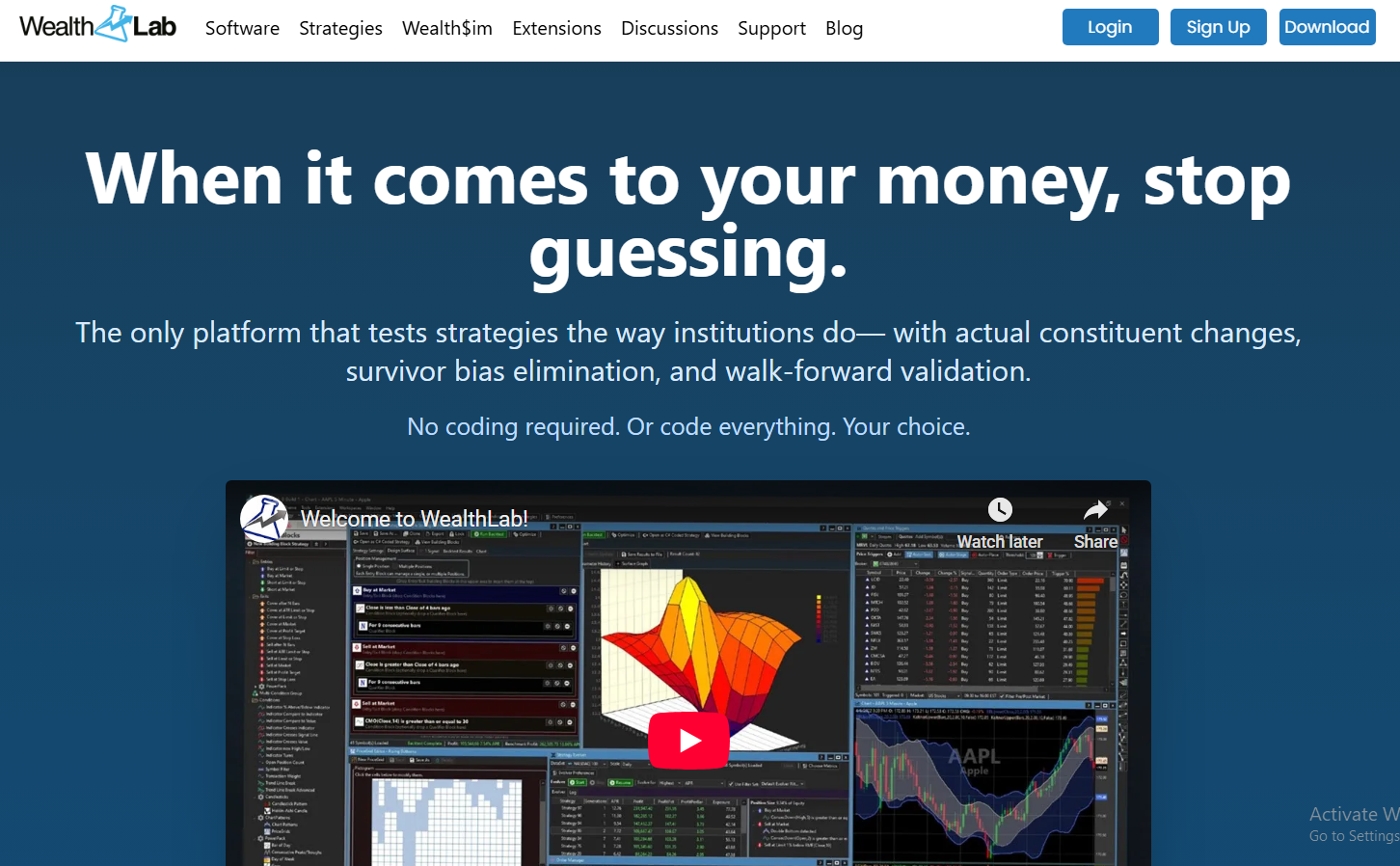
Wealth-Lab is a platform built for traders who want powerful analytics and a visual approach to strategy creation. Its combination of technical indicators, data integration, and scripting makes it suitable for active traders testing strategies before live execution.
Key Features
Visual Strategy Designer
Users can build strategies by dragging and dropping indicators, conditions, and actions. No programming skills are needed for standard setups.
Extensive Indicator Library
Wealth-Lab includes hundreds of built-in indicators and supports custom code in C# for advanced users seeking deeper control.
Walk-Forward and Monte Carlo Testing
It helps validate strategy stability using walk-forward testing and Monte Carlo simulations to avoid overfitting.
Integrated Broker Execution
Connects with brokers such as Interactive Brokers and Tradier, allowing seamless transition from backtesting to live trading.
Community Strategy Sharing
Traders can publish and review strategies from others, providing learning opportunities and benchmarking ideas.
Pros and Cons
| Pros | Cons |
| Easy visual strategy creation | Desktop only |
| Supports scripting and automation | Data feeds cost extra |
| Walk-forward testing included | Limited asset class coverage |
| Broker integration available | Slightly higher subscription fees |
Pricing
Wealth-Lab starts at $39.95 per month. Add-on data feeds or brokerage integration may incur additional fees.
Best For Active Traders and Technical Analysts
- Swing traders – For testing multi-indicator setups
- Algorithmic traders – For custom scripting and automation
- Retail investors – For visual strategy modelling
- Quant analysts – For walk-forward validation
Verdict: Wealth-Lab combines user-friendliness with professional testing tools, ideal for traders transitioning from manual trading to systematic methods.
How to Use Wealth-Lab for Performance Validation
Always run walk-forward analysis after optimising your system to test its robustness against unseen data.
Best Alternate Tool: MultiCharts
MultiCharts offers similar functionality but adds more professional-level execution tools and multi-broker integration.
14. MultiCharts – Professional Backtesting and Trading Suite
MultiCharts is designed for professional traders who need accurate backtesting and reliable execution. It supports institutional-level data feeds and integrates seamlessly with various brokers.
Key Features
PowerLanguage and EasyLanguage Compatibility
MultiCharts uses PowerLanguage, which is compatible with TradeStation’s EasyLanguage, making it easy to transfer or modify strategies.
Tick-by-Tick Backtesting
The software tests strategies using tick-by-tick precision, ensuring trade accuracy even during volatile periods.
Portfolio Backtester
Traders can test multiple strategies across symbols and asset classes simultaneously, evaluating combined performance and risk.
Optimisation and Walk-Forward Analysis
The platform supports exhaustive, genetic, and Monte Carlo optimisation methods for robust testing.
Advanced Charting and Execution
MultiCharts integrates charting, testing, and execution with brokers like Interactive Brokers, OANDA, and FXCM.
Pros and Cons
| Pros | Cons |
| Accurate tick-by-tick backtesting | High system requirements |
| Supports multi-broker execution | Steep learning curve |
| Compatible with EasyLanguage | Expensive for small traders |
| Strong portfolio analysis tools | Desktop-based software |
Pricing
MultiCharts costs around $99 per month, or a lifetime licence is available for approximately $1,497. A 30-day free trial is available.
Best For Professional Traders and Multi-Asset Portfolios
- Professional traders – For precision backtesting and execution
- Hedge funds – For multi-broker integration
- Quant developers – For custom scripting
- Technical analysts – For in-depth chart-based testing
Verdict: MultiCharts offers everything a professional trader needs to backtest, analyse, and execute strategies reliably. Its performance is among the best in its class.
How to Use MultiCharts for Multi-Strategy Testing
Combine multiple systems within the Portfolio Backtester to understand how correlations between strategies impact overall drawdown.
Best Alternate Tool: TradeStation
TradeStation is more user-friendly and broker-integrated, ideal for those seeking a simpler setup.
15. QuantRocket – Backtesting for Interactive Brokers Users
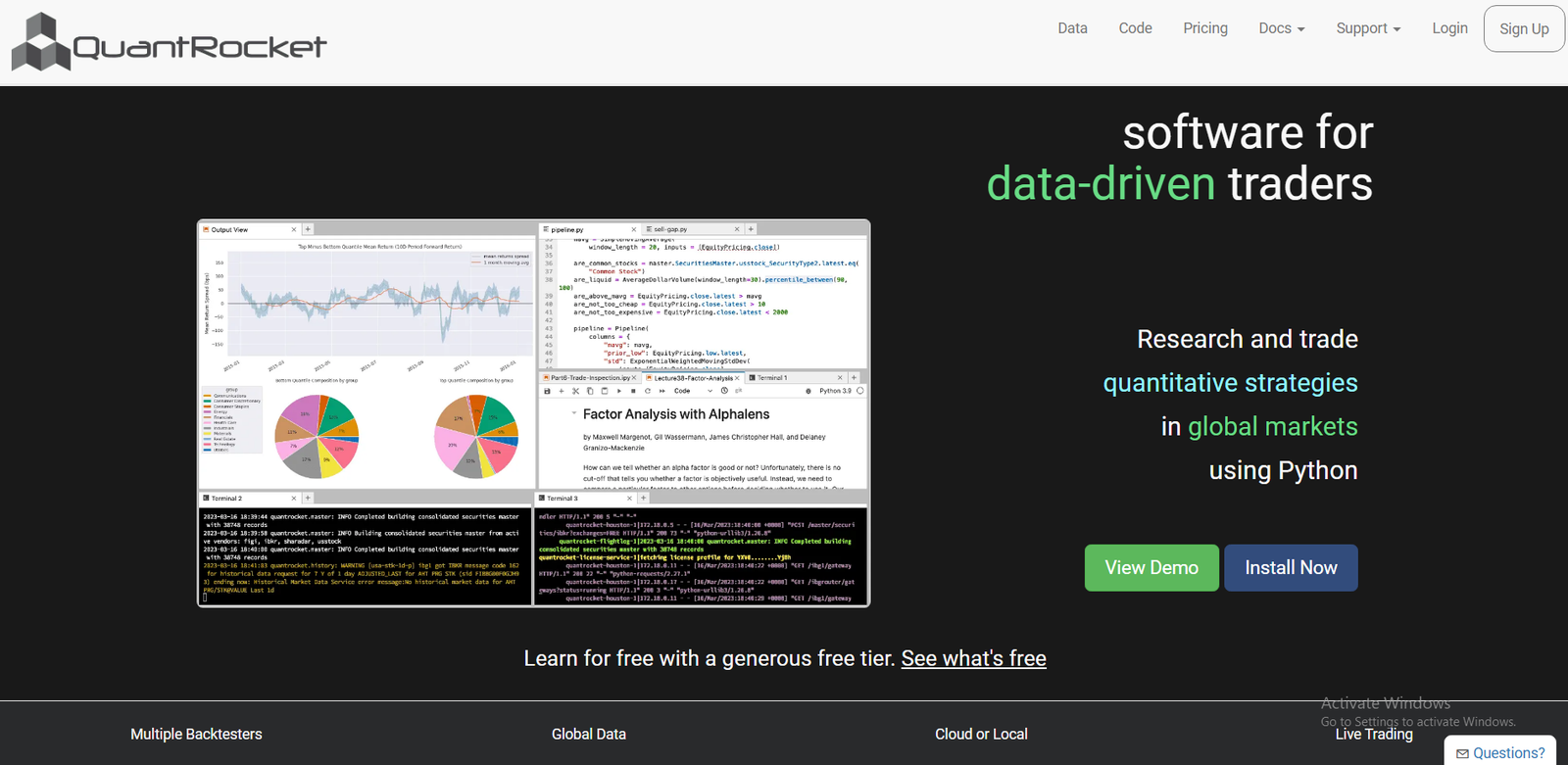
QuantRocket is a flexible, cloud-based platform for algorithmic trading and stock backtesting, built primarily for Interactive Brokers users. It supports multiple data sources and powerful data pipelines for systematic traders.
Key Features
Moonshot Backtesting Engine
QuantRocket’s Moonshot module is built for vectorised backtesting using pandas DataFrames, providing exceptional speed for large datasets.
Database and Data Pipeline Integration
It connects to databases like MongoDB and InfluxDB, allowing users to store, clean, and analyse data efficiently.
Multi-Asset Support
Backtest equities, ETFs, and futures, with historical data spanning multiple decades from premium sources.
Deployment on the Cloud or Locally
You can run QuantRocket on the cloud or host it locally for full control over data privacy and system resources.
Python API for Strategy Building
Its Python API allows traders to build, test, and deploy complex strategies using custom code.
Pros and Cons
| Pros | Cons |
| Excellent for Interactive Brokers users | Requires Python experience |
| Handles large datasets efficiently | Not ideal for beginners |
| Cloud or local deployment options | Requires configuration |
| Supports multiple data vendors | Subscription may be costly for small users |
Pricing
QuantRocket pricing starts at $39 per month. Enterprise plans with extended data and support are available on request.
Best For Quantitative Traders Using Interactive Brokers
- Algorithmic traders – For direct integration with IBKR
- Quant developers – For Python-based testing
- Portfolio managers – For large-scale portfolio simulations
- Institutional teams – For multi-data integration
Verdict: QuantRocket is a strong choice for developers and quantitative traders who use Interactive Brokers. Its modular architecture and flexibility make it one of the most scalable platforms available.
How to Use QuantRocket for Efficient Strategy Testing
Run Moonshot backtests on cloud instances to dramatically speed up processing time while keeping your local system free.
Best Alternate Tool: QuantConnect
QuantConnect offers similar features with more community resources and beginner-friendly documentation.
16. StrategyQuant X – Automated Strategy Generation and Backtesting
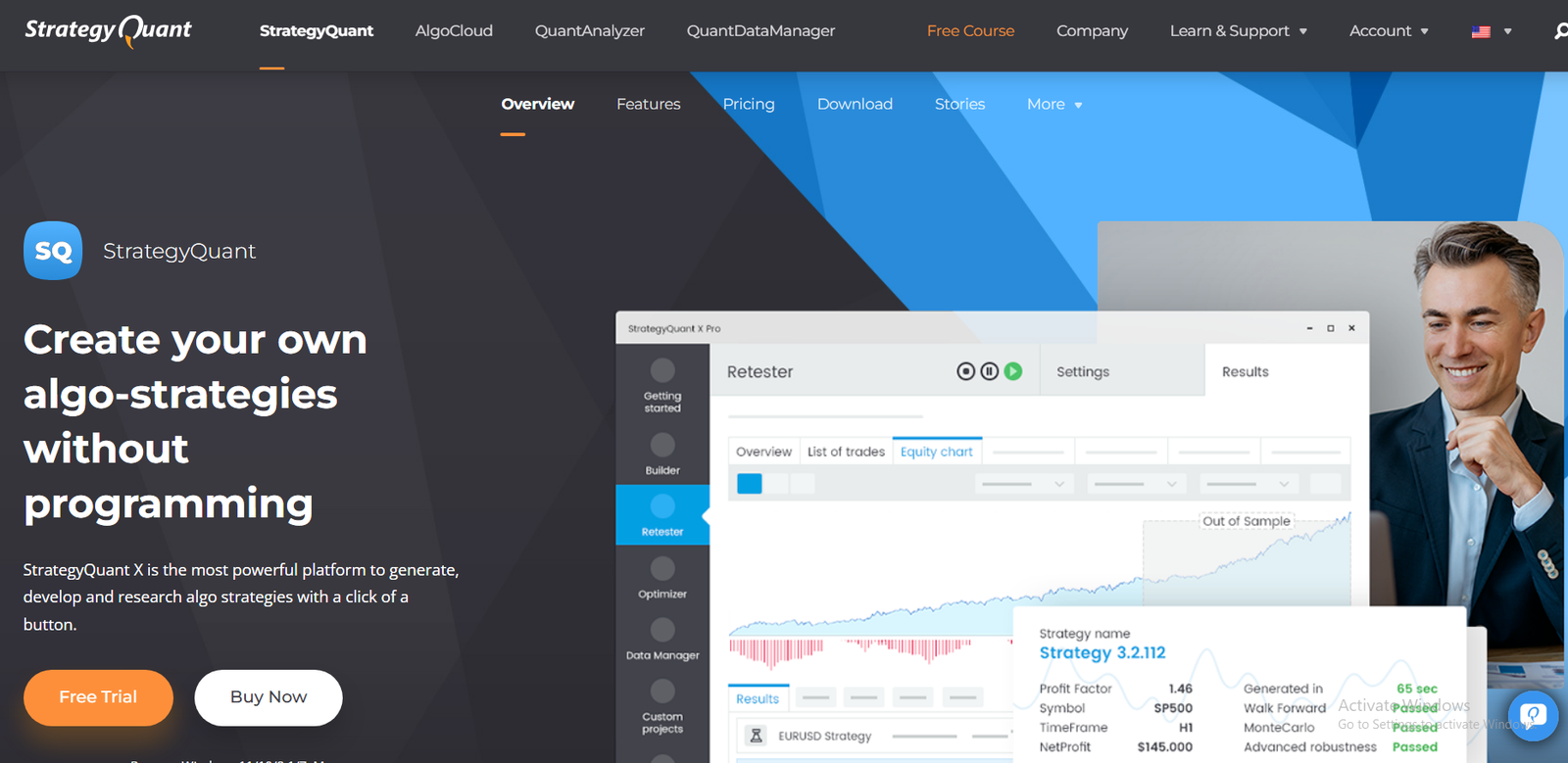
StrategyQuant X is a powerful platform for building and testing algorithmic trading strategies automatically. It’s designed for traders who want to generate and validate hundreds of systems without manual coding, using machine learning and historical simulations.
Key Features
Strategy Builder with Machine Learning
The platform automatically generates thousands of strategies based on user-defined rules, market conditions, and indicators. Machine learning algorithms refine these to identify the most promising ones.
Robustness and Monte Carlo Testing
Each strategy is tested through Monte Carlo simulations, walk-forward optimisation, and stress tests to ensure reliability under various market scenarios.
Custom Indicators and Code Export
Strategies can be exported to MetaTrader, NinjaTrader, or MultiCharts, allowing easy deployment for live trading.
Multi-Market Testing
Run simultaneous backtests across multiple symbols, markets, and timeframes to assess diversification and robustness.
Advanced Filtering Options
Filter out over-optimised strategies using metrics such as Sharpe ratio, equity curve stability, and drawdown control.
Pros and Cons
| Pros | Cons |
| Generates strategies automatically | Expensive for individual traders |
| Advanced robustness testing | Requires powerful computer |
| Supports multiple trading platforms | Steep learning curve |
| Great for diversification | High one-time purchase cost |
Pricing
StrategyQuant X costs $1,290 as a one-time purchase, with optional upgrades and add-ons for professional users.
Best For Algorithmic Traders Seeking Automation
- Algo developers – For fast strategy creation and testing
- Quantitative traders – For robustness and walk-forward validation
- System builders – For exporting strategies to multiple platforms
- Portfolio managers – For diversifying trading systems
Verdict: StrategyQuant X is ideal for experienced algo traders looking to automate and scale their strategy development. It reduces manual effort while maintaining statistical accuracy.
How to Use StrategyQuant X for Strategy Filtering
Use the Robustness Results tab to discard strategies with poor out-of-sample performance, focusing only on stable equity curves.
Best Alternate Tool: Tickblaze
Tickblaze offers similar automation but focuses more on institutional-level precision.
17. Tickblaze – Institutional Backtesting and Quant Research
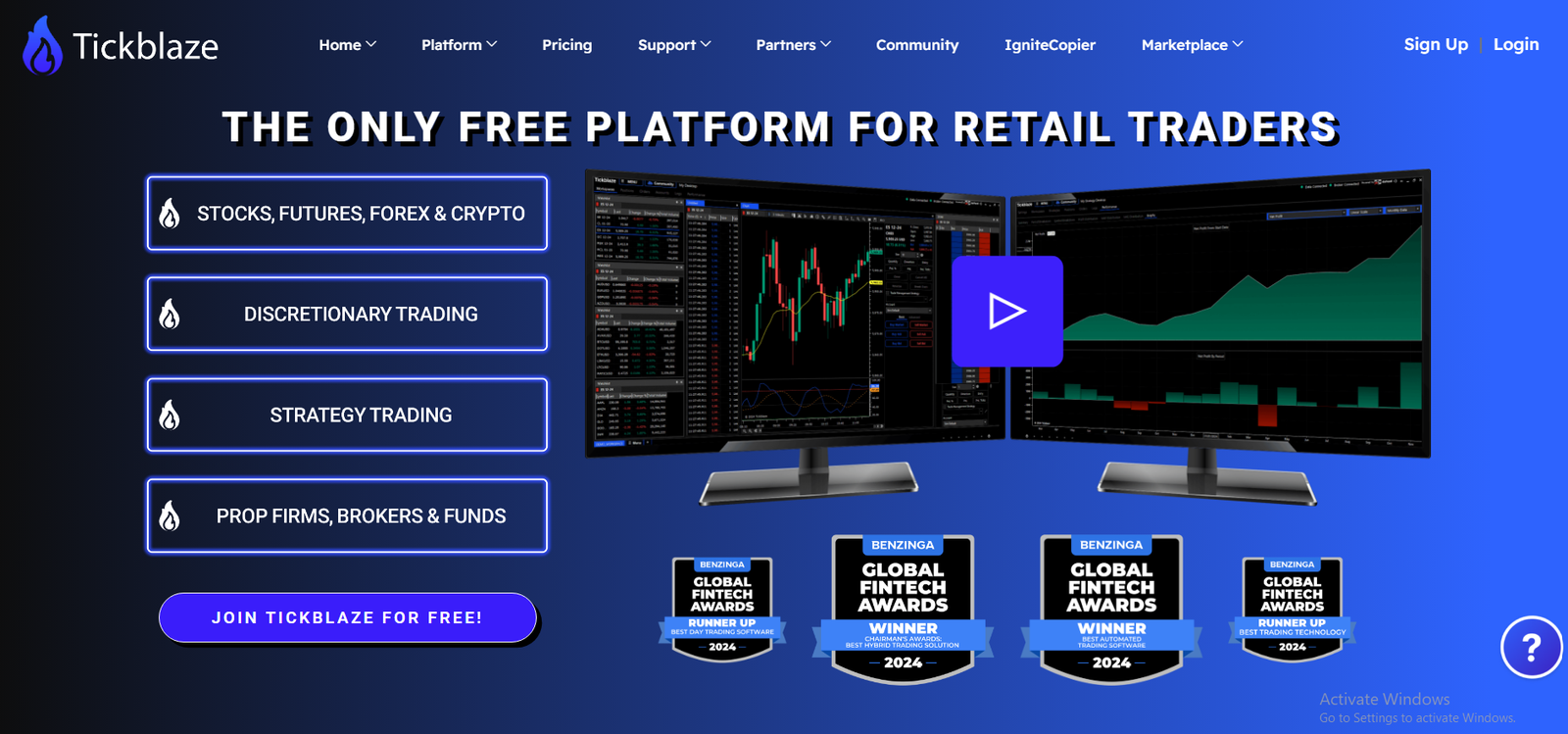
Tickblaze is an institutional-grade platform designed for professional quants, hedge funds, and advanced retail traders. It offers high-speed tick-level backtesting, automated trading, and quant research tools.
Key Features
Tick-Level Backtesting
The platform allows traders to simulate real market microstructure, including order book depth and execution latency, providing true-to-life test results.
Custom Strategy Programming
Develop strategies in C# or use the built-in visual editor to design trading logic without code. Tickblaze supports both discretionary and fully automated testing.
Real-Time Data Integration
It connects with multiple data providers to import and analyse historical and live market data simultaneously.
Extensive Reporting and Analytics
Detailed performance reports include execution costs, slippage analysis, and transaction-level insights for institutional auditing.
Multi-Broker Compatibility
Supports direct execution via brokers and exchanges, enabling a full backtest-to-trade pipeline.
Pros and Cons
| Pros | Cons |
| Tick-accurate backtesting | Costly for casual traders |
| Multi-broker and exchange integration | Requires technical setup |
| Advanced reporting tools | Steep hardware requirements |
| Realistic market simulations | Subscription-based model |
Pricing
Tickblaze pricing starts at $249 per month. Enterprise options are available for institutional teams requiring custom data or API integrations.
Best For Institutional Quants and Advanced System Builders
- Hedge funds – For precision backtesting
- Algorithmic traders – For tick-level simulation
- Research teams – For high-speed testing
- Prop firms – For institutional deployment
Verdict: Tickblaze is best suited for professionals who need institutional accuracy and advanced reporting. Its precision makes it a trusted choice among serious quant teams.
How to Use Tickblaze for Execution Testing
Include simulated latency and slippage variables in your tests to measure the real-world viability of your trading models.
Best Alternate Tool: AlgoTrader
AlgoTrader offers similar accuracy with more integrated risk management and portfolio analytics.
18. TradeStation Labs – Custom Strategy Testing Environment
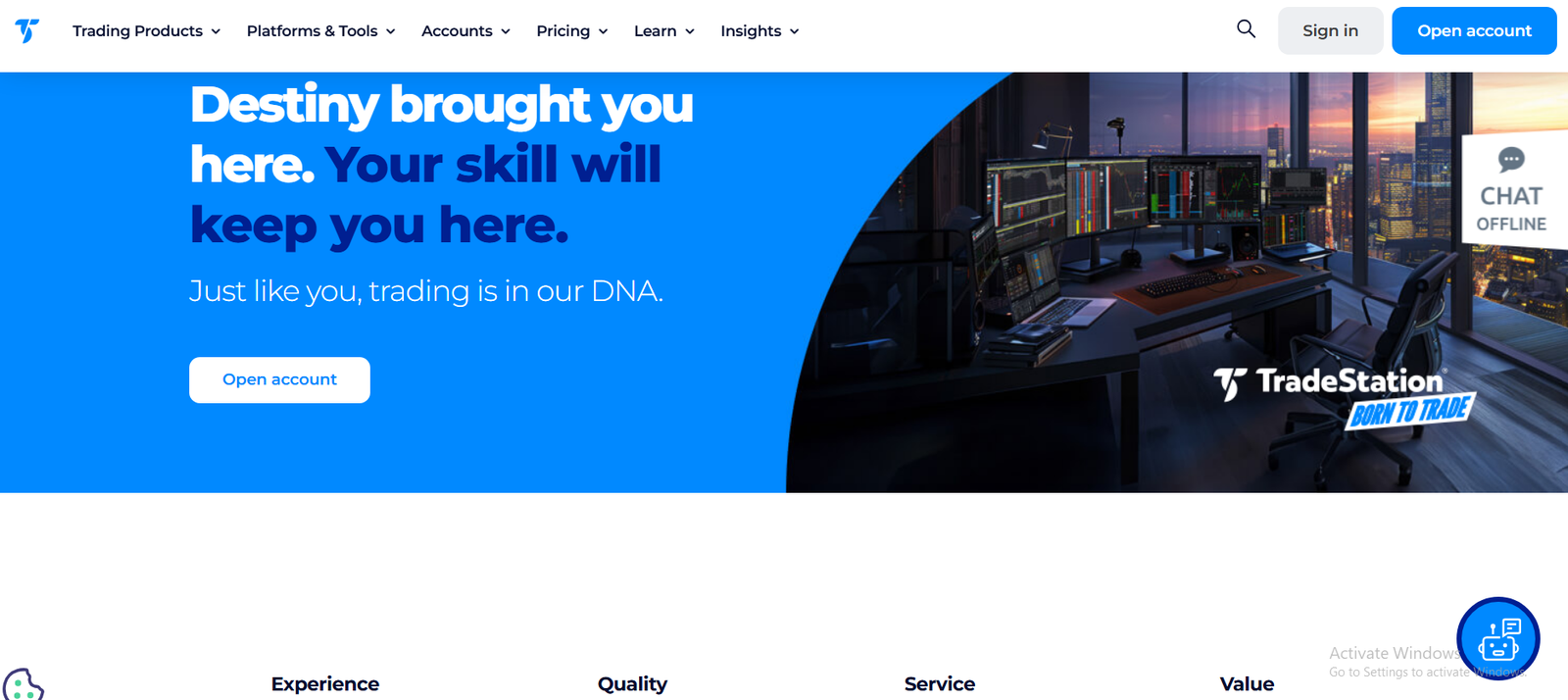
TradeStation Labs is an advanced extension of TradeStation, built for developers and quantitative researchers who want to build and test complex strategies using APIs and real-time data feeds.
Key Features
Custom API Access
Allows users to access live and historical data through REST and WebSocket APIs. Perfect for integrating with Python, R, or proprietary systems.
High-Speed Backtesting Engine
Leverages TradeStation’s data infrastructure to run backtests with minimal latency and precise fill simulation.
Multi-Data Source Integration
Combine TradeStation data with external sources such as Quandl or Bloomberg for richer model validation.
Advanced Analytics and Machine Learning Compatibility
Supports exporting data into Python or TensorFlow for building AI-based trading models.
Full Automation Pipeline
Once a model is tested, it can be deployed through TradeStation’s live brokerage with API control.
Pros and Cons
| Pros | Cons |
| Integrates research and execution | Requires coding knowledge |
| API access for developers | Limited public documentation |
| High-quality data feeds | Only for TradeStation users |
| Institutional-grade testing speed | No plug-and-play interface |
Pricing
TradeStation Labs offers custom pricing based on usage and data volume. Access is generally available to institutional or API plan users.
Best For Developers and Research Teams
- Quant developers – For API-based model testing
- Institutional researchers – For advanced data integration
- System builders – For end-to-end automation
- Technical traders – For high-frequency simulations
Verdict: TradeStation Labs is ideal for advanced users who need deep data access and technical control over testing workflows.
How to Use TradeStation Labs for API-Based Testing
Use Python scripts to call TradeStation’s API and run parallel backtests on multiple strategies simultaneously.
Best Alternate Tool: QuantRocket
QuantRocket offers comparable API control and research flexibility, with more cloud deployment options.
19. Tickeron – AI Stock Backtesting and Pattern Analysis
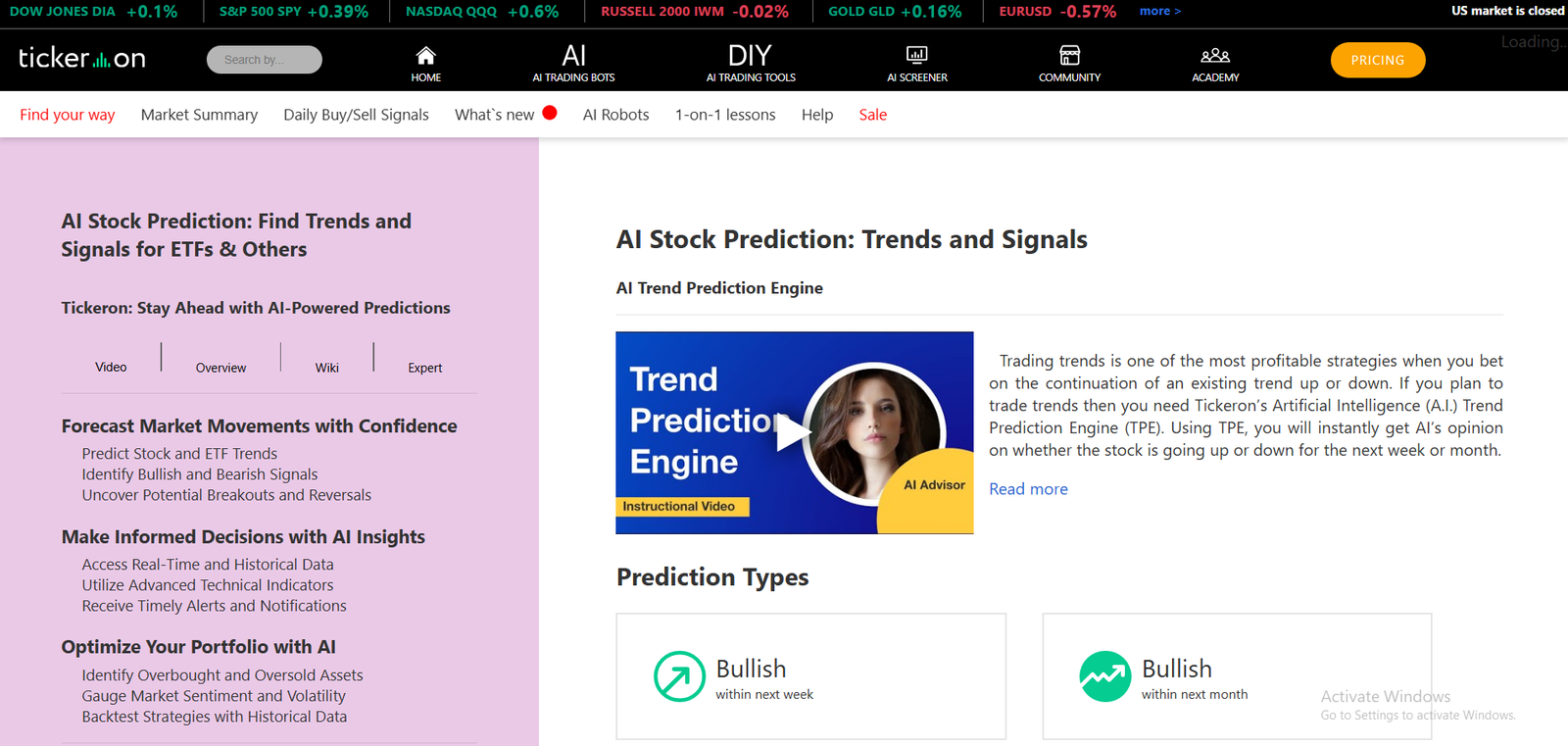
Tickeron leverages artificial intelligence to test, analyse, and predict stock patterns. It’s built for traders who want fast, AI-assisted insights without having to code strategies manually.
Key Features
AI Pattern Recognition
Tickeron scans thousands of stocks for recognised technical patterns and automatically backtests their success rates.
Strategy and Signal Testing
Each AI signal includes a statistical success rate based on past performance, giving traders confidence before acting.
Portfolio Simulation Tools
Traders can combine multiple AI signals into one simulated portfolio to analyse diversification and risk.
Custom Alerts and Real-Time Monitoring
The system provides live alerts for emerging patterns that historically yielded high win rates.
Educational Insights
Tickeron’s AI explains why specific trades were identified, helping traders understand the logic behind each signal.
Pros and Cons
| Pros | Cons |
| AI-based strategy validation | Limited manual customisation |
| Simple interface for non-coders | Subscription cost can add up |
| Real-time AI signals | Limited depth for quantitative users |
| Great educational resources | Restricted to supported markets |
Pricing
Tickeron starts at $30 per month for basic access. Premium AI-powered features and pattern recognition modules start at $90 per month.
Best For Visual and AI-Driven Traders
- Retail traders – For quick strategy validation
- Part-time investors – For automated signals
- Beginners – For learning AI-based systems
- Swing traders – For pattern-based setups
Verdict: Tickeron is best for traders seeking AI-based insights and simple strategy backtesting. It’s a great starting point for those who want automated guidance without coding.
How to Use Tickeron for Better Pattern Testing
Focus on patterns with over 70% historical success rate and high confidence levels across multiple timeframes.
Best Alternate Tool: TrendSpider
TrendSpider offers a more chart-focused AI backtesting environment with custom pattern scanning options.
20. ProRealTime – Advanced Charting and Automated Backtesting

ProRealTime is a premium charting and backtesting platform known for its speed, reliability, and automation features. It’s especially popular among European traders for its integration with multiple brokers and real-time market access.
Key Features
ProBuilder Coding Language
ProRealTime includes an intuitive coding language that allows traders to create, backtest, and automate trading systems with minimal effort.
Tick-by-Tick Backtesting
The backtesting engine provides tick-level precision, ensuring reliable results across various instruments including stocks, indices, and forex.
Integrated Market Access
The platform connects directly to major brokers, allowing seamless transition from backtesting to live execution.
Cloud Hosting and Auto-Trading
Strategies can run 24/7 on ProRealTime’s cloud servers, ensuring zero downtime and continuous monitoring.
High-Quality Data and Reporting
The platform offers clean, institution-grade historical data with visual reports and trade summaries.
Pros and Cons
| Pros | Cons |
| Precise tick-level testing | Premium plans are costly |
| Cloud-based execution | Limited custom indicators |
| Clean, professional interface | Support response time varies |
| Real-time data integration | Desktop version required for advanced testing |
Pricing
ProRealTime offers a free version with limited features. Premium access starts at €29 per month, while full auto-trading capabilities cost approximately €59 per month.
Best For Advanced Traders Seeking Reliability
- Technical traders – For clean charting and testing
- Swing traders – For backtesting and execution
- Algorithmic traders – For automated, 24/7 strategies
- Professionals – For broker-linked testing and trading
Verdict: ProRealTime is one of the most reliable and accurate platforms for technical backtesting. Its stability and automation make it ideal for both professionals and serious retail traders.
How to Use ProRealTime for Optimised Testing
Run tick-by-tick simulations and use the equity curve filter to fine-tune entry and exit timing.
Best Alternate Tool: MultiCharts
MultiCharts offers more advanced portfolio testing, while ProRealTime excels in execution speed and interface design.
Final Verdict
At the end of the day, the right backtesting software for you depends on your trading style, technical expertise, and investment goals. From AI-powered platforms like TrendSpider and Tickeron to professional-grade systems like MultiCharts and AlgoTrader, each tool serves a distinct audience.
Every trader, from beginners to institutions, should approach strategy testing with discipline and evidence. Don’t rely on a single metric. Instead, use walk-forward testing, Monte Carlo analysis, and robustness validation. Doing so will make your strategy more reliable and less vulnerable to market noise.
At Pearl Lemon Invest, we believe that well-tested trading systems form the foundation of sustainable investing. Our team uses these very tools to evaluate and validate trading strategies before recommending or implementing them for our clients.
How Pearl Lemon Invest Can Support Your Trading Journey
At Pearl Lemon Invest, we work with traders, investors, and portfolio managers who want to systematise their decision-making through data-backed analysis. Our team specialises in designing, testing, and managing algorithmic and discretionary trading systems using the best stock backtesting platforms in the market.
Here’s how we add measurable value:
- Strategy Design and Validation – We build, test, and refine trading systems using top-tier platforms like TradeStation, QuantConnect, and Amibroker.
- Portfolio Diversification – We analyse correlations between strategies to identify optimal diversification opportunities.
- Performance Monitoring – Continuous review of live results versus backtested expectations ensures ongoing accuracy.
- Education and Mentorship – We teach traders how to interpret their own backtesting results effectively.
- Custom Analytics – Tailored reporting dashboards to visualise your trading performance clearly.
If you’re ready to upgrade your trading process and test your strategies professionally, schedule a consultation with our investment team today.
FAQs
1. What is stock backtesting and why is it important?
Stock backtesting evaluates trading strategies using historical data to estimate potential profitability and risk before applying them to live markets.
2. How accurate are backtesting results?
Accuracy depends on data quality and whether the test includes realistic costs, slippage, and spread variations. Using tick-level data improves precision.
3. Can I automate my trading strategies after backtesting?
Yes. Many tools such as TradeStation, NinjaTrader, and ProRealTime allow seamless transition from backtesting to automated live trading.
4. Which backtesting tools are best for beginners?
MetaTrader 5 and TrendSpider are ideal for beginners due to their user-friendly interfaces and prebuilt templates.
5. Which backtesting platform is best for algorithmic trading?
QuantConnect, AlgoTrader, and StrategyQuant X are excellent for algorithmic and quantitative trading due to their coding flexibility and robustness features.
6. What’s the difference between tick-level and bar-level backtesting?
Tick-level testing uses every price change, providing more realistic results, whereas bar-level testing aggregates data into intervals like minutes or days.
7. Are free backtesting tools reliable?
Free tools such as Backtrader can be highly reliable if set up correctly with quality data and accurate configurations.
8. How often should I update my backtesting data?
At least weekly or monthly, depending on your strategy frequency. Outdated data can lead to misleading results.
9. Can I use backtesting for fundamental investing?
Yes. Tools like Stock Rover and Portfolio123 specialise in testing strategies based on company fundamentals.
10. What kind of support does Pearl Lemon Invest provide for traders?
We offer strategic guidance, custom backtesting, portfolio optimisation, and ongoing support for retail and institutional traders aiming for consistent performance.